Set Up Email Marketing for Toast Tables
Last updated: Apr 22, 2026, 6:35 PM
Question
How do I send guest emails from Toast Tables?
Answer
You can now send guest emails from Toast Tables with Email Marketing. Here's how to set it up:
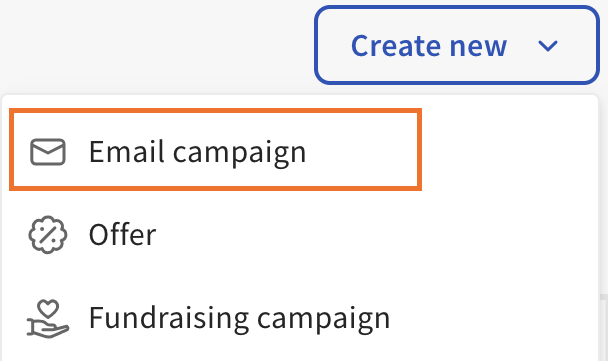
- Log in to Toast Web and navigate to Marketing > Create new > Email campaign.
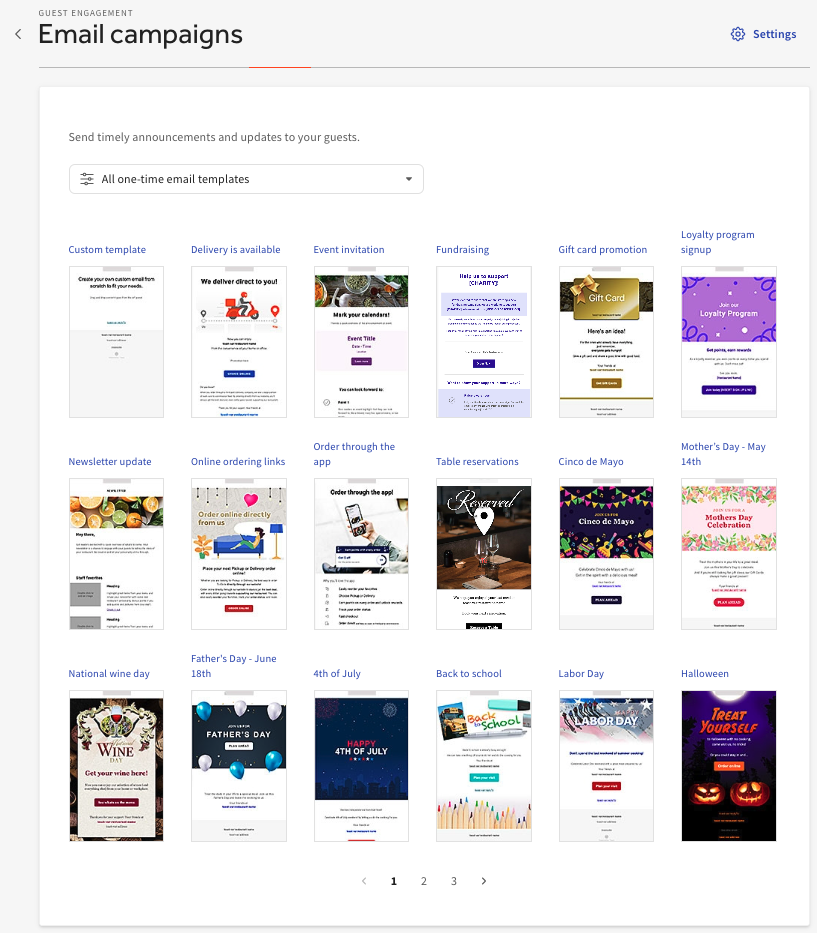
- You will then be taken to a page with a variety of pre-loaded Toast email campaign templates. You can create your own or select the Table reservations template to use.
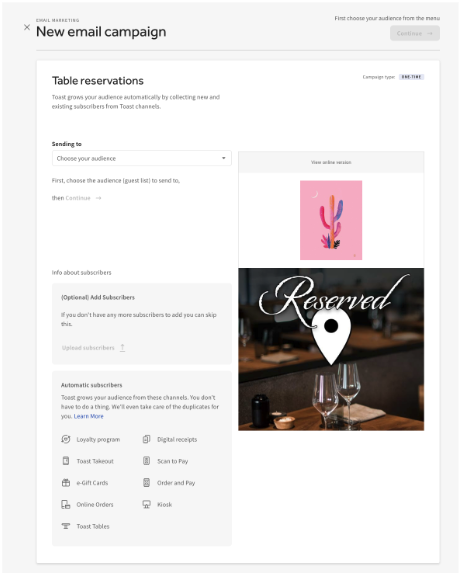
- The Table reservations email template allows restaurants to provide guests with a call-to-action that leads to their unique reservation link. The automated email marketing subscriber list is curated automatically by Toast Tables guests' email
Note: