Get Started With Toast Online Ordering Pro
Last updated: Sep 11, 2026, 2:17 PM
Key Features:
- Customized button and background colors
- Customized fonts
- Choose different Menu Templates
- Create your own subdomain to link directly to your current website
- Multi-unit owner groups can customize Online Ordering pages by brand
- Improved location picker (interactive map, search by address)
- SEO optimized
- Menu items direct links
- Pixel tracking
- Add navigation links
| Us customers using this feature require a subscription to the Digital Storefront Pro Suite. To get started with this product, navigate to Toast Shop. Note that all locations must be subscribed to Digital Storefront Pro to select the location in the location picker. For customers outside of the US, please reach out to your Onboarding Consultant (OC) or Customer Success Manager (CSM) to request Online Ordering Pro. |

 Video Overview
Access Toast Online Ordering Pro
See the table below to determine your path in accessing Toast Online Ordering Pro.
Note: Some display and ordering-hours settings — including showing your menu at all times while limiting ordering to specific hours — are only available if you subscribe to Digital Storefront Pro. If you're on the stand-alone Online Ordering Pro SKU, these settings won't appear. See Toast Online Ordering Pro: Menu Page Configuration for the full list of menu display and ordering-hours options.
| Online Ordering Pro - Digital Storefront | Online Ordering Pro - Stand alone SKU |
| 1. Log in to Toast Web and navigate to Takout & delivery > Digital Storefront. 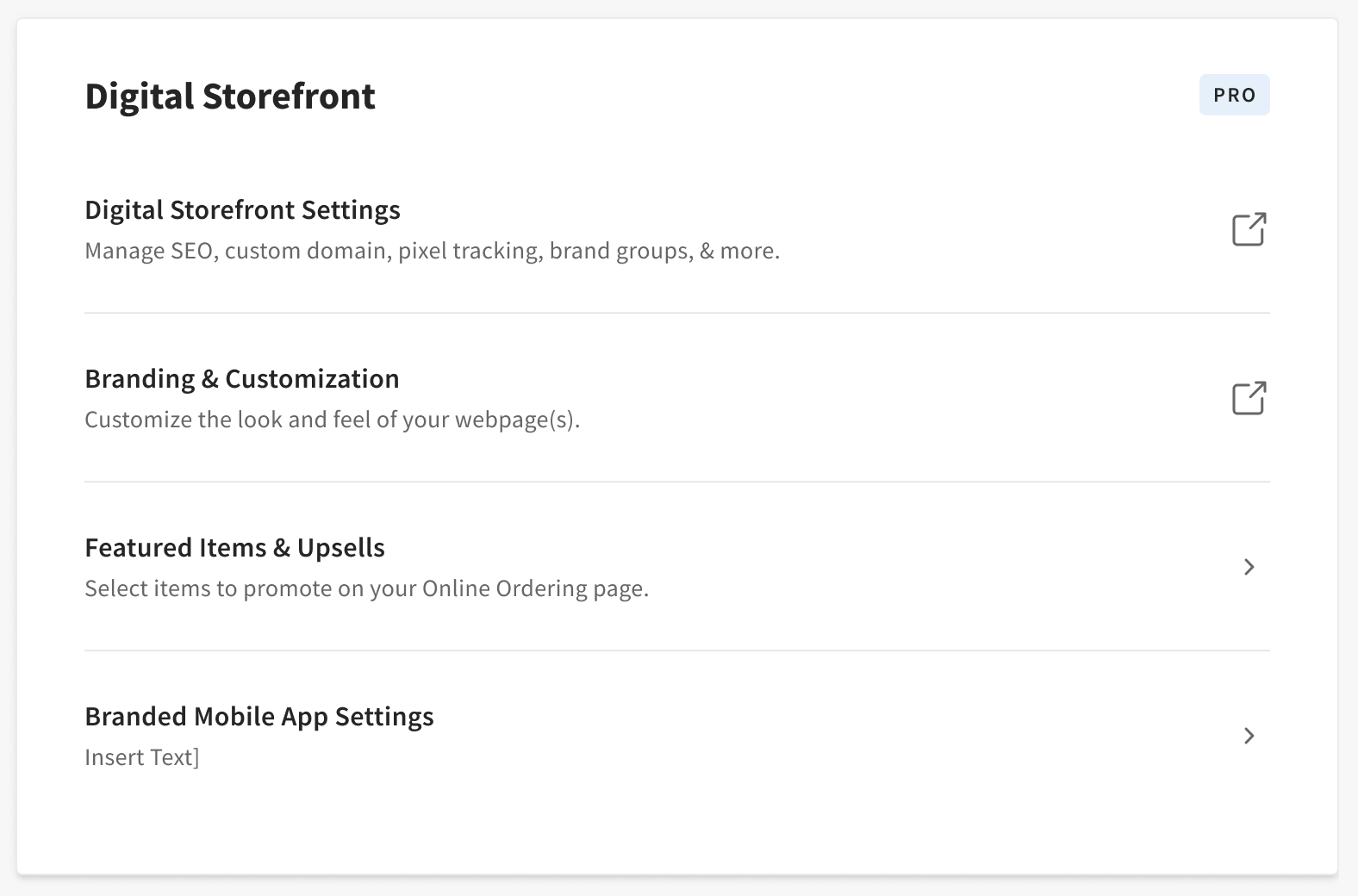 | 1. Log in to Toast Web and navigate to Takeout & delivery > Online Ordering Pro. 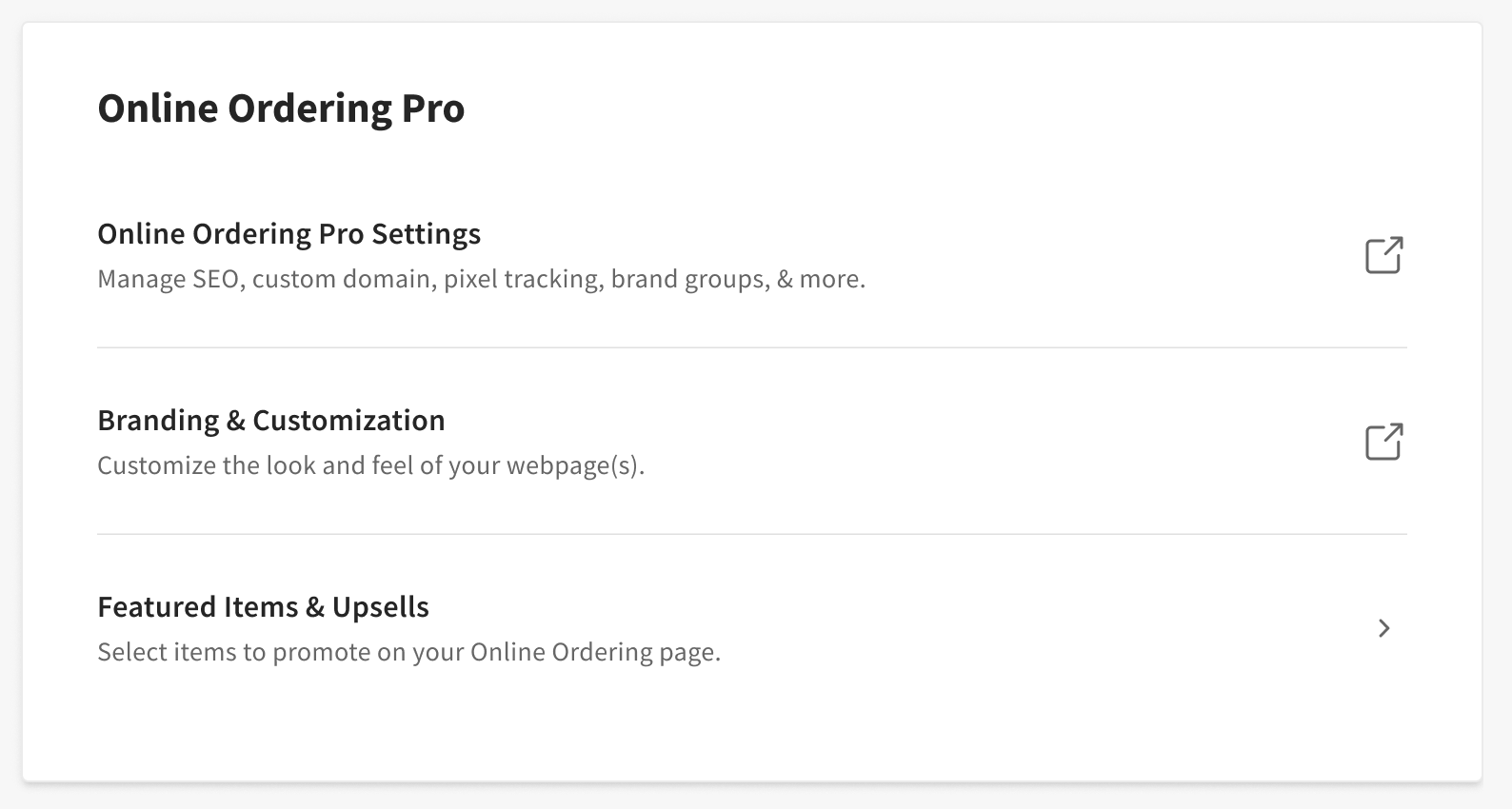 |
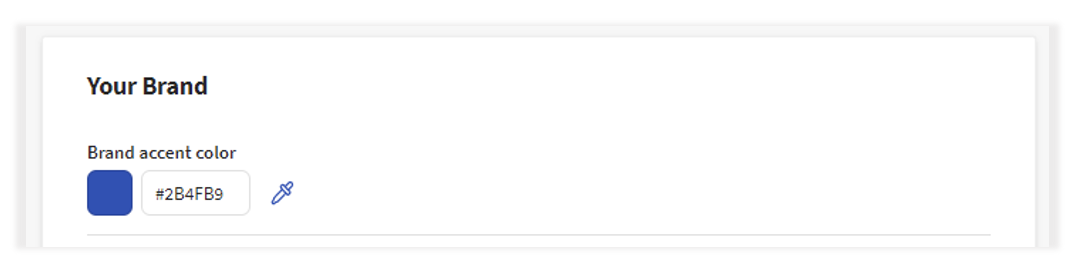
Your Brand
Brand accent color
Button and Accent color - color of the Menu Group, the band behind the name of the Restaurant at the top of the page if a banner image is not provided, and the outline around the cart and buttons throughout the page
Images
Toast Online Ordering Pro allows you to set up a Restaurant Logo, Banner Image, and Favicon for your branded site. No images will be shown on the site if no images are added manually.
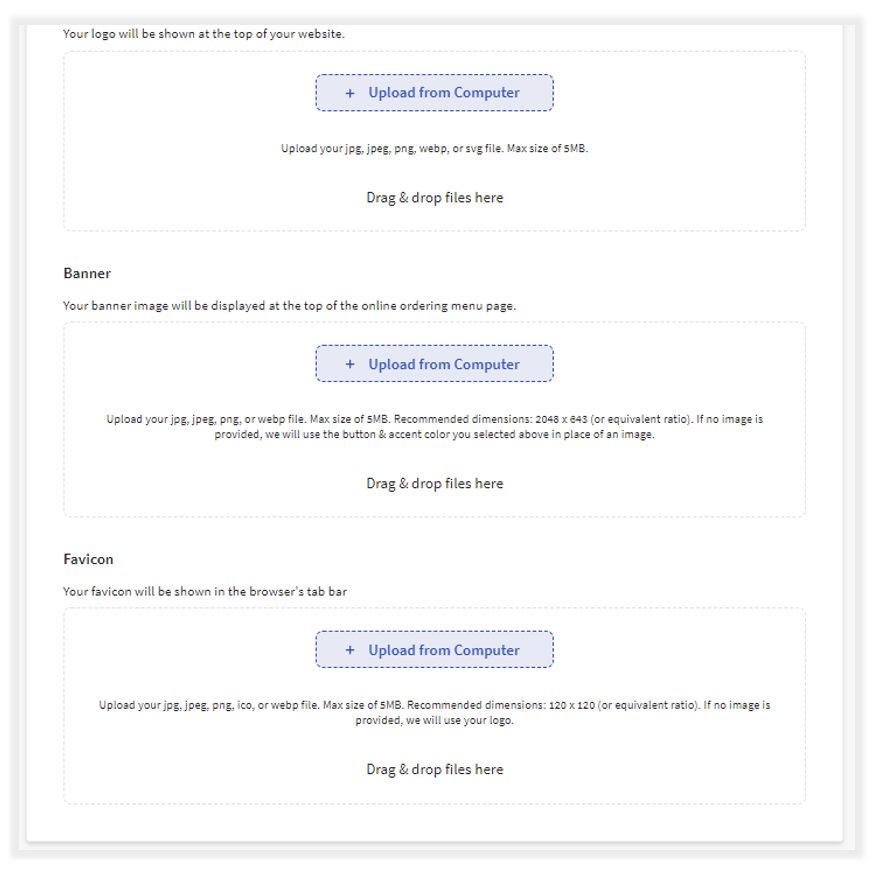
Favicon is the small icon that is displayed in the address bar of the browser or browser tab. By default, Toast will use your logo for the favicon, but you may want to use an optimized image for the small, square space.

Note: The logo, favicon, and banner images should be in jpg, jpeg, png, webp, or SVG file format and a max of 5MB.
Additional Resources
- Toast Online Ordering Pro: Menu Page Configuration
- Toast Online Ordering Pro: Marketing & Analytics
- Toast Online Ordering Pro: Locations
- Toast Online Ordering Pro: Menu Customization
- Toast Online Ordering Pro: Domains
- Toast Online Ordering Features
- Getting Started with Online Ordering
- Online Ordering FAQ