Toast Payroll: Employee Onboarding (Employee Guide)
Last updated: Jun 29, 2026, 3:38 PM
Complete your Toast Payroll new hire checklist — register, add your SSN, finish your I-9 and W-4, and set your payment method.
- Toast Payroll New Hire Onboarding Overview
- Before You Begin
- Step 1: Open Your Welcome Email and Register
- Step 2: Create Your Password and Log In
- Step 3: Add Your Personal Info and Social Security Number
- Step 4: Complete Your Form I-9
- Step 5: Complete Your Tax Forms (W-4)
- Step 6: Sign Company Documents
- Step 7: Set Your Payment Method
- Step 8: Set Up Direct Deposit (Optional)
- Finish and Optional Next Steps
- Frequently Asked Questions
- Related Articles
Toast Payroll New Hire Onboarding Overview
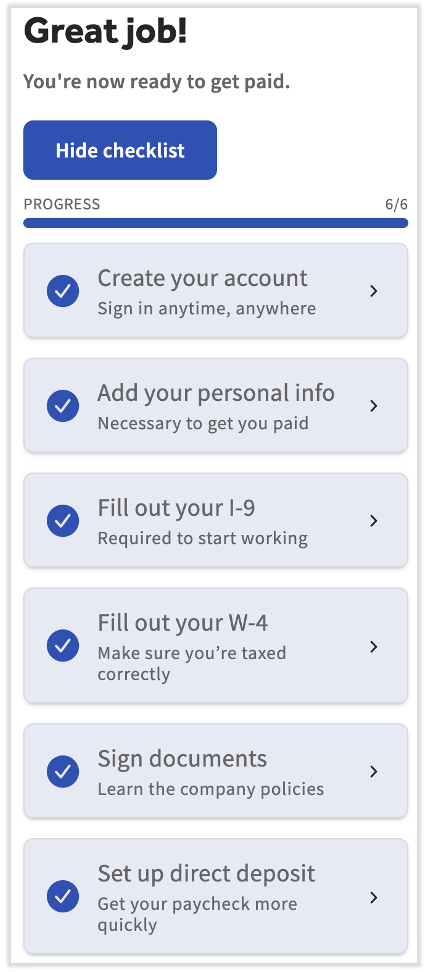
Congratulations on your new job! When you are hired, Toast Payroll gives you a new hire checklist on your dashboard. You complete each tile in order to finish your profile and get paid. The checklist covers creating your account, adding your personal information, completing your Form I-9 and W-4 tax forms, signing any company documents, and choosing how you want to be paid.
These steps must be completed in order to get paid. The whole process takes most new hires about 10 to 15 minutes.
Before You Begin
Applies to: Toast Payroll
Permissions needed:
- Employee security role — every new hire completes their own onboarding checklist
What you'll accomplish: Finish your new hire checklist in Toast Payroll — register your account, add your Social Security number, complete your Form I-9 and W-4, and set your payment method — so you are ready to be paid.
Step 1: Open Your Welcome Email and Register
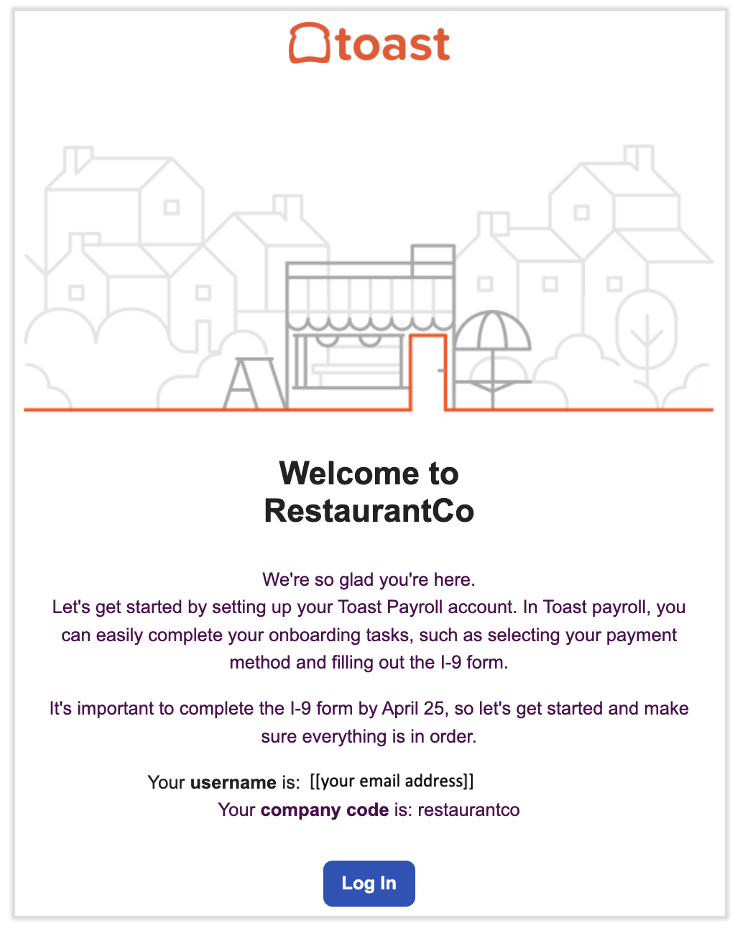
Your onboarding starts with a welcome email. You can begin as soon as you receive it.
- Open the email from noreply@toasttab.com with the subject line Welcome to the Team!. It contains a link to register for Toast Payroll.
- Select Log in in the email to begin registration.
Expected outcome: The Toast Payroll registration page opens in your browser.
Note: If you do not see the email right away, check your Spam or Junk folder. The email is sent from noreply@toasttab.com. If you still cannot find it, ask your manager or HR team to resend your onboarding email. For the steps they follow, see Toast Payroll: Resend New Hire Onboarding Email.
Step 2: Create Your Password and Log In
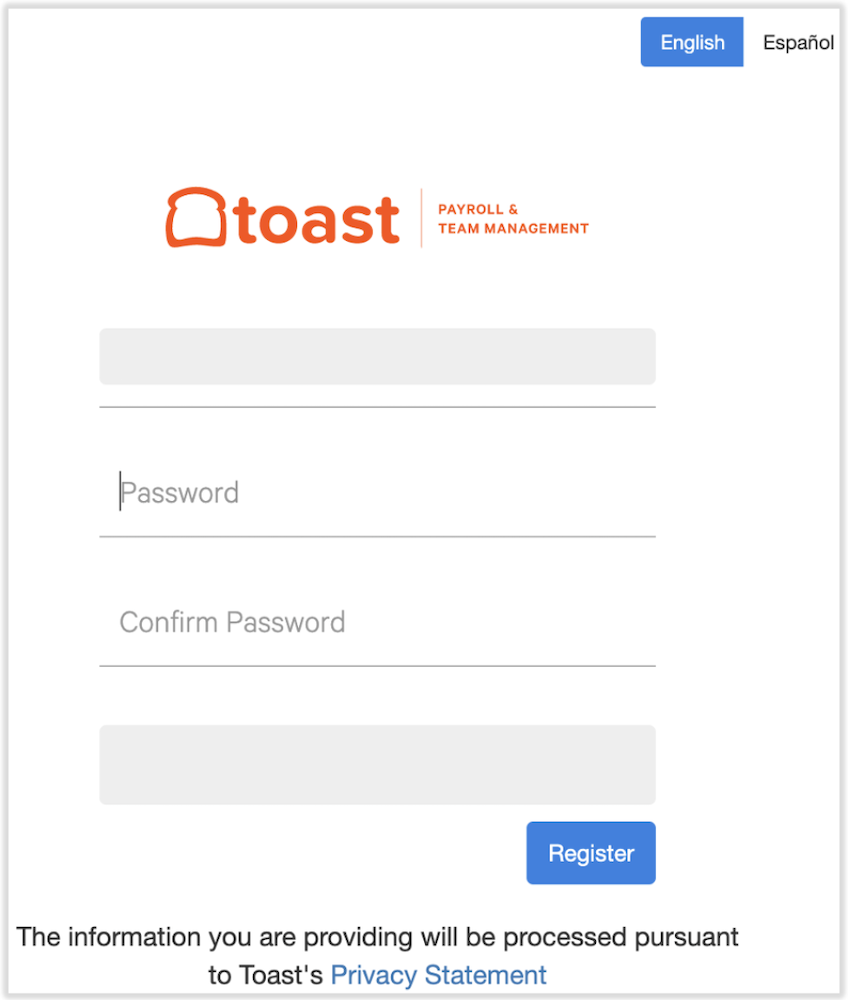
Next, create the password you will use to sign in to Toast Payroll.
- Enter a unique password and confirm it. Your password must be at least eight characters long and include one letter, one number, and one special character.
- Select Register. Keep this password in a secure location for later use.
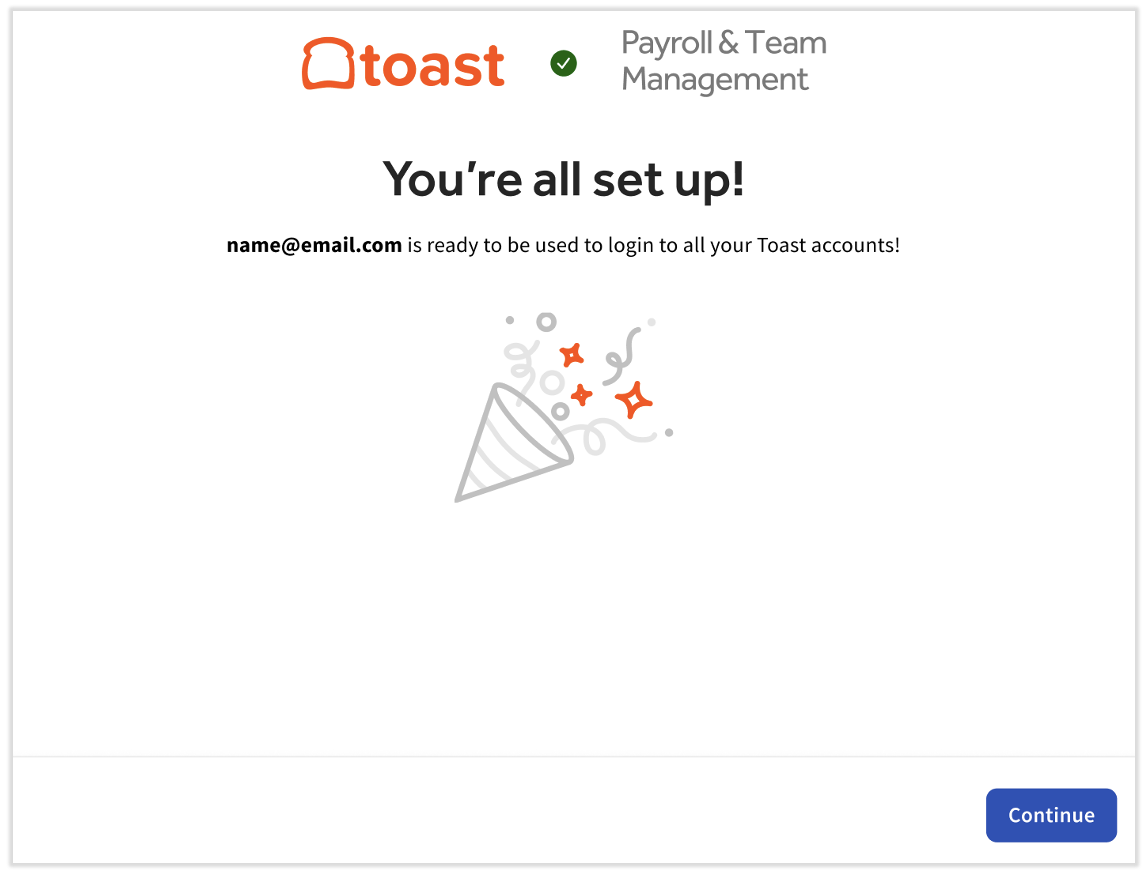
- Proceed through any remaining steps to create your Toast login credentials (email and password).
Expected outcome: You are signed in to Toast Payroll and your dashboard appears. If you are not directed to log in automatically, navigate to payroll.toasttab.com and sign in with your new credentials, then continue with the steps below.
Step 3: Add Your Personal Info and Social Security Number
From your dashboard, you complete the new hire checklist tiles. The Create your account step is already done because you signed in. Start with the next tile.
- On the dashboard, select the Add your personal info tile.
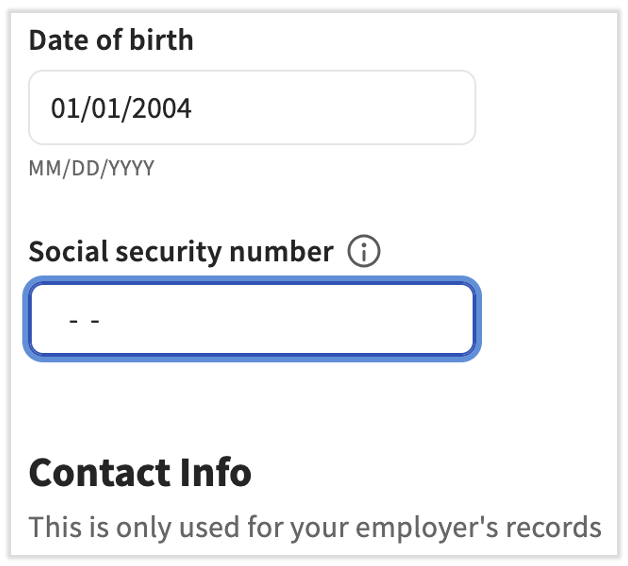
- Enter and verify your personal information, including your Date of birth, Contact Info, and Home Address.
- Enter your Social Security Number (SSN). An accurate SSN is required so Toast Payroll can correctly file your Form W-2. Toast recognizes an SSN as invalid if it starts with 9, 000, or 666, has 00 as the middle two digits, ends in 0000, or is a sequence such as 123-45-6789.
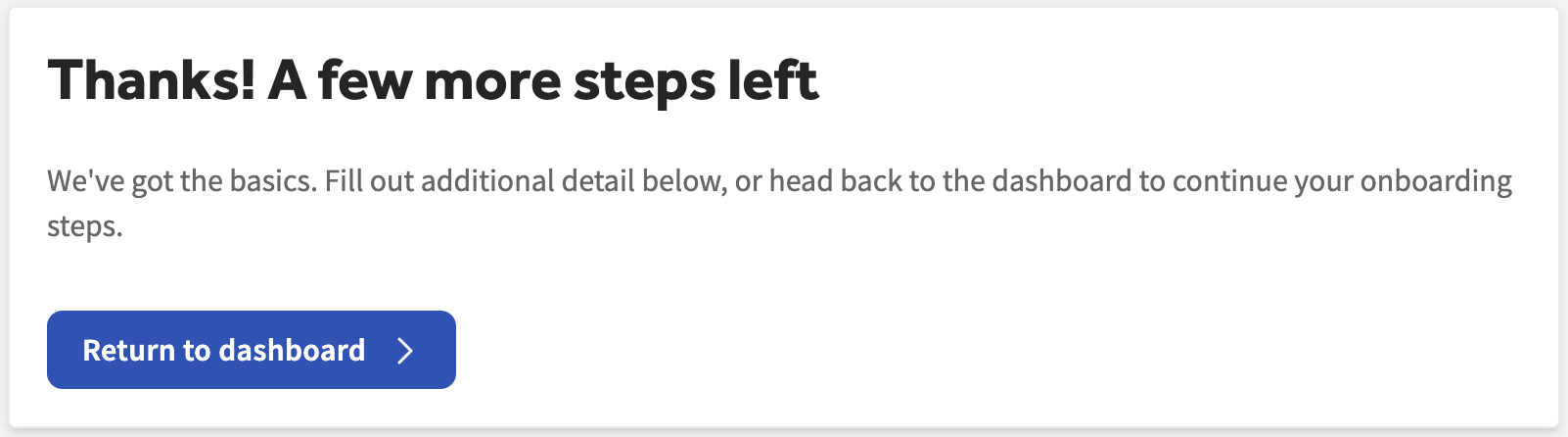
- Select Save Changes to advance, then scroll to the top of the page and select Return to dashboard.
Expected outcome: The Add your personal info step shows as complete on your dashboard.
Note: Individual Tax Identification Numbers (ITINs) cannot be entered in place of an SSN, because Toast Payroll does not file Form W-7s. If you are a 1099 contractor, you do not need to enter an SSN, because Toast Payroll does not file year-end tax documents for 1099 individuals. For more detail, see Toast Payroll: Team Members Without SSNs or With an ITIN.
If you entered your SSN incorrectly and need to fix it, or you see a "please enter a valid SSN" message, see Toast Payroll: Verify or Update My Social Security Number (SSN).
Step 4: Complete Your Form I-9
The Form I-9 confirms your identity and authorization to work.
- On the dashboard, select the Fill out your I-9 tile.
- Complete and sign Section 1 of the Form I-9. Select the Form I-9 Instructions link at the top of the form if you need help with any field.
- Select Next to save your information and return to the checklist.
Expected outcome: Section 1 of your Form I-9 is signed, and the Fill out your I-9 step shows as complete.
Note: According to U.S. regulations, you must complete Section 1 no later than your first day of employment. Only you can fill out or edit your own Form I-9. If you are unsure of your citizenship or immigration status, do not make a selection until you have confirmation of your status. For more detail on each section, see Toast Payroll: Complete Form I-9.
Step 5: Complete Your Tax Forms (W-4)
Your W-4 forms tell Toast Payroll how much tax to withhold from your pay.
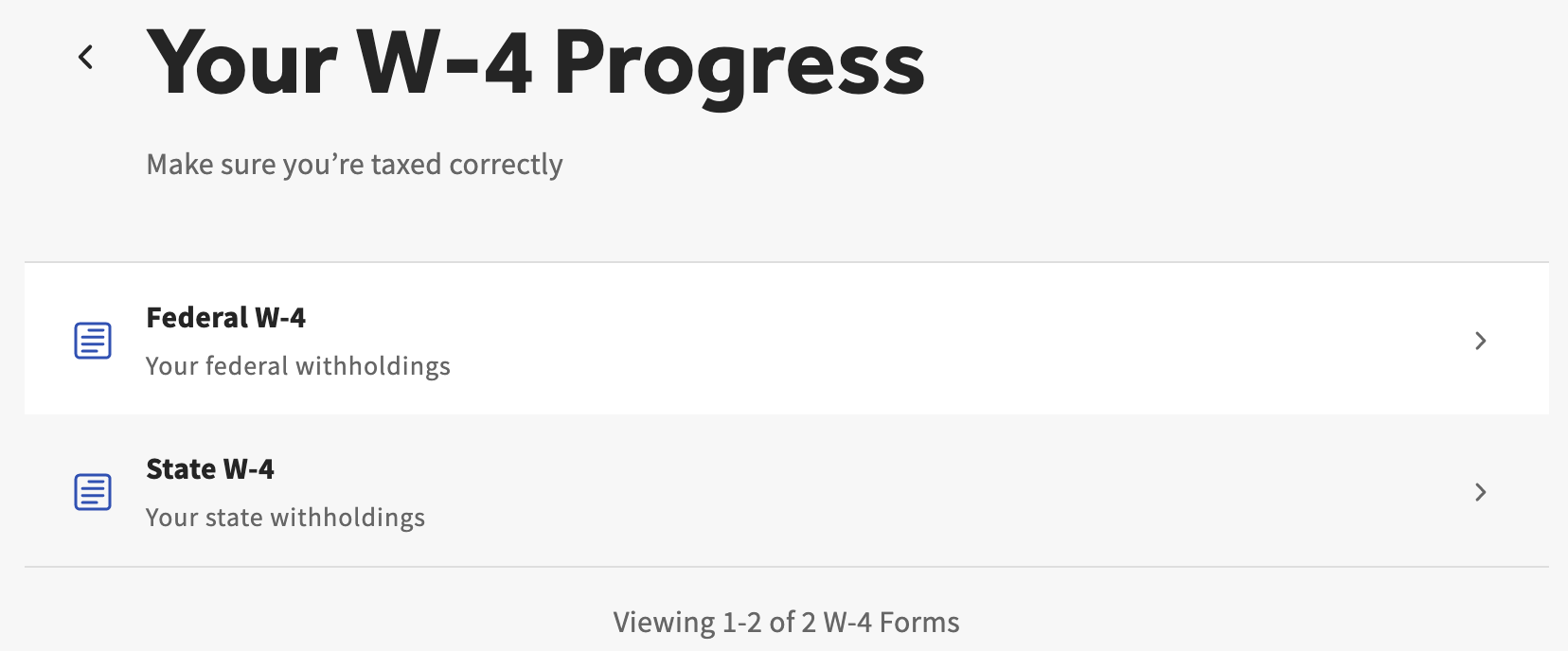
- On the dashboard, select the Fill out your tax forms tile.
- Complete the federal W-4 form and your state W-4 form, if your state requires one. Any applicable forms appear here automatically.
- When you finish, select Return to dashboard to continue with the checklist.
Expected outcome: The Fill out your tax forms step shows as complete on your dashboard.
Note: Completing the federal and state W-4 forms ensures the proper amount of tax is withheld from your earnings. Toast cannot advise on how to fill out these forms or what information to enter — contact a tax professional if you have questions about your withholding.
Step 6: Sign Company Documents
Some businesses ask new hires to read and sign company documents, such as an employee handbook or company policies. Not all restaurants use company documents, so you may not see anything to sign here.
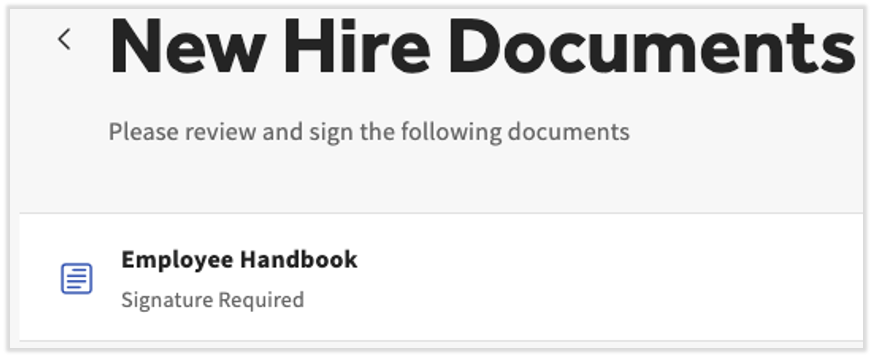
- On the dashboard, select the Sign documents tile.
- Read and electronically sign any company documents that appear.
- Select Back to Dashboard once you have reviewed and signed them.
Expected outcome: The Sign documents step shows as complete, or the step is empty if your employer does not use company documents.
Step 7: Set Your Payment Method
The final required step is choosing how you want to be paid.
- On the dashboard, select the Set your payment method tile.
- Choose how you want to be paid. If you want to be paid by paper check, you do not need to take any further action on this page — paper check is the default.
Expected outcome: Your selected payment method is saved. If you chose paper check, your onboarding checklist is complete. To set up direct deposit instead, continue to Step 8 below.
Note: For a full comparison of paper check, direct deposit, and the Toast Pay Card, see Toast Payroll: Set a Payment Method.
Step 8: Set Up Direct Deposit (Optional)
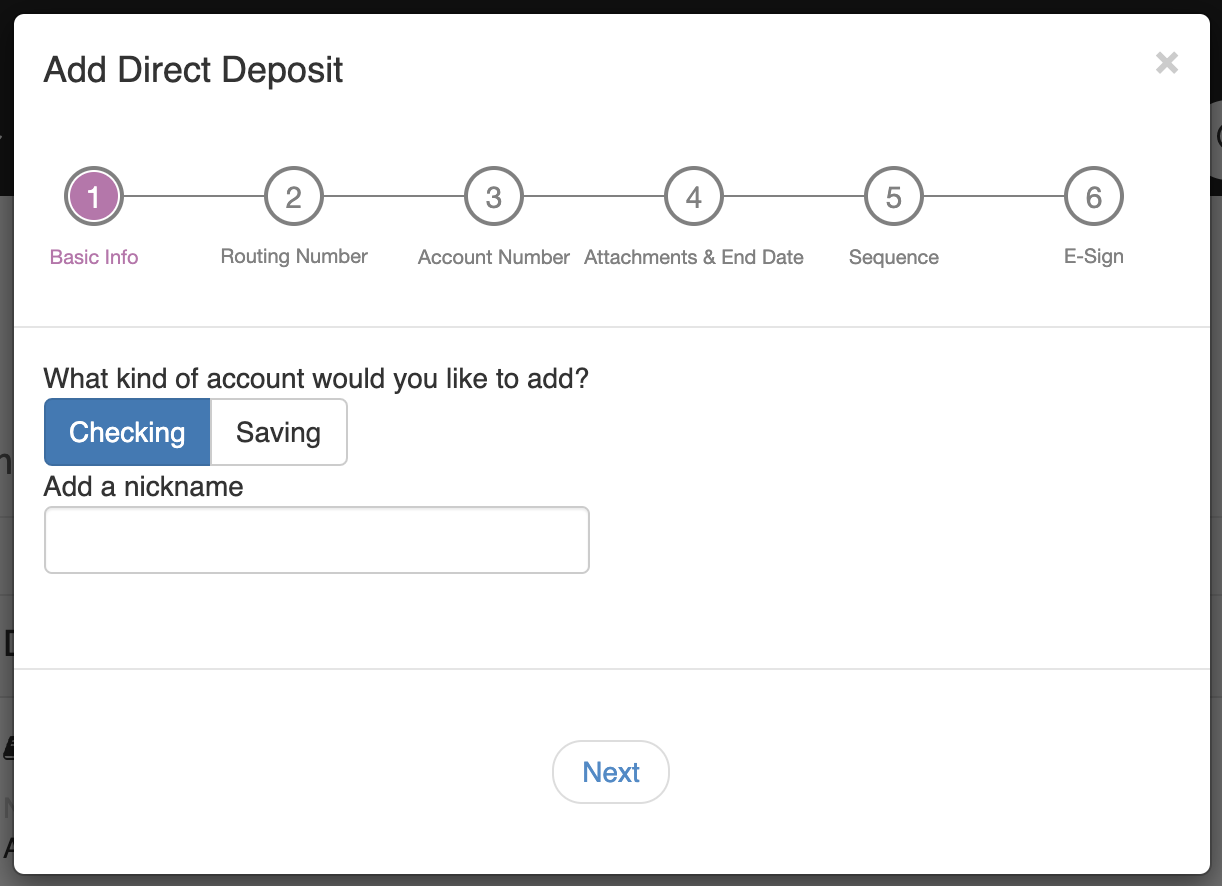
To have your pay sent directly to your bank account, set up direct deposit on the payment method page.
- Select the Direct deposit tile, then select + Add bank account.
- Select Verify when asked to confirm your identity. Toast texts a six-digit code to the phone number on file with your Toast account. Enter that code in the pop-up in Toast Payroll.
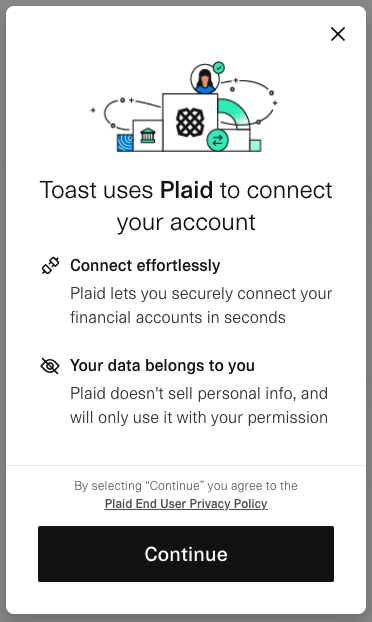
- In the Plaid window, follow the prompts to find and select your bank, then sign in with your online banking credentials. Plaid is an industry leader in validating bank account information.
- Select the account you want to use, then continue until you see the Success message.
Expected outcome: Your bank account is saved and appears on your payment method page.
Note: Toast representatives will never ask you for your six-digit verification code. Do not share it with anyone, even someone claiming to be from Toast.
If the verification pop-up does not appear, disable your ad blocker and retry. You can re-enable it once you finish.
If your bank is not listed in Plaid, or Plaid returns an error, you cannot enter your bank details manually yourself for security reasons. Ask an HR+ user at your business (usually the owner or another HR contact) to add your direct deposit account manually. For Plaid troubleshooting, supported account types, and manual entry, see Toast Payroll: Get Help With Direct Deposit Accounts.
Finish and Optional Next Steps
Well done — all required steps are complete. You have a few optional steps at this point:
- From the dashboard, select Hide Checklist if you want to remove the checklist from your dashboard.
- Tell your manager you have completed Section 1 of your Form I-9 so they know it is time to complete Section 2.
- For answers to other questions about Toast Payroll, see Toast Payroll: Get Help With Employee Resources or ask your manager or HR team.
Frequently Asked Questions
Where does my onboarding email come from?
Your onboarding email comes from noreply@toasttab.com, with the subject line Welcome to the Team!. It contains the link you use to register for Toast Payroll. If you do not see it, check your Spam or Junk folder, or ask your manager or HR team to resend it.
Also asked as:
- Where does the email come from to finish onboarding?
- What email sends the new hire link?
- Is the Toast onboarding email legit?
I never received my welcome email. How do I start onboarding?
If you never received your welcome email, you cannot register until it is resent. First check your Spam or Junk folder for a message from noreply@toasttab.com. If it is not there, ask your manager or HR team to resend your onboarding email. For the steps they follow, see Toast Payroll: Resend New Hire Onboarding Email.
Also asked as:
- My boss told me to do onboarding but I have no email?
- How do I finish onboarding without the link?
- Where do I go to start my onboarding?
Do I have to set up direct deposit to finish onboarding?
You do not have to set up direct deposit to finish onboarding. Paper check is the default payment method, so you can complete the Set your payment method step without entering any bank information. You can add direct deposit later from your payment method page.
Also asked as:
- Can I finish onboarding with a paper check?
- Do I need a bank account to onboard?
What if my bank isn't supported by Plaid?
If your bank is not supported by Plaid, you cannot enter your account details manually yourself, for security reasons. Ask an HR+ user at your business (usually the owner or another HR contact) to add your direct deposit account manually on your behalf. For full details, see Toast Payroll: Get Help With Direct Deposit Accounts.
Also asked as:
- My bank isn't on Plaid, how do I add direct deposit?
- Can I use my routing and account number instead of Plaid?
- How do I enter direct deposit without Plaid?
I entered my Social Security number wrong. How do I fix it?
To fix a Social Security number you entered incorrectly, navigate to My Profile > Profile in Toast Payroll, select Edit, update the Social security number field, and select Save Changes. If you get a "please enter a valid SSN" message, confirm the number is not one Toast recognizes as invalid. For full steps and the invalid-SSN rules, see Toast Payroll: Verify or Update My Social Security Number (SSN).
Also asked as:
- I put in the wrong social security number?
- How do I update my SSN?
- It says please enter a valid SSN but it's correct?
My tax forms show as missing even though I filled them out. What should I do?
If your tax forms show as missing even though you filled them out, return to the Fill out your tax forms tile on your dashboard and confirm both your federal W-4 and any required state W-4 are complete. If your state requires a separate form that has not appeared, or the status does not update after you complete it, contact your manager or HR team. If the issue continues, contact Toast Customer Care.
Also asked as:
- Tax forms say missing but I filled them out?
- Why does my W-4 still show incomplete?
Why am I being asked for my Social Security number when I clock in?
You are being asked for your Social Security number at clock-in because Toast Payroll needs an accurate SSN to file your taxes, and yours is missing or flagged. Do not ignore this message. You can add or correct your SSN by navigating to My Profile > Profile in Toast Payroll. For full steps, see Toast Payroll: Verify or Update My Social Security Number (SSN).
Also asked as:
- Toast POS is asking for my SSN at clock in?
- Why does the POS want my social security number?
Related Articles
- Toast Payroll: Set a Payment Method
- Toast Payroll: Get Help With Direct Deposit Accounts
- Toast Payroll: Complete Form I-9
- Toast Payroll: Verify or Update My Social Security Number (SSN)
- Toast Payroll: Get Help With Employee Resources
This content is for informational purposes and is not intended as legal, tax, HR, or any other professional advice. Please contact an attorney or other professional for advice.