Toast 线上点餐专业版:启用第三方会员计划
上次更新时间:2026年4月28日 16:23
Toast 线上点餐专业版第三方会员计划概述
您的Toast 线上点餐顾客可以像在Toast POS上一样,在Toast 线上点餐中累积和兑换积分。在Toast POS上支持的所有第三方积分和奖励类型也在Toast 线上点餐中得到支持。
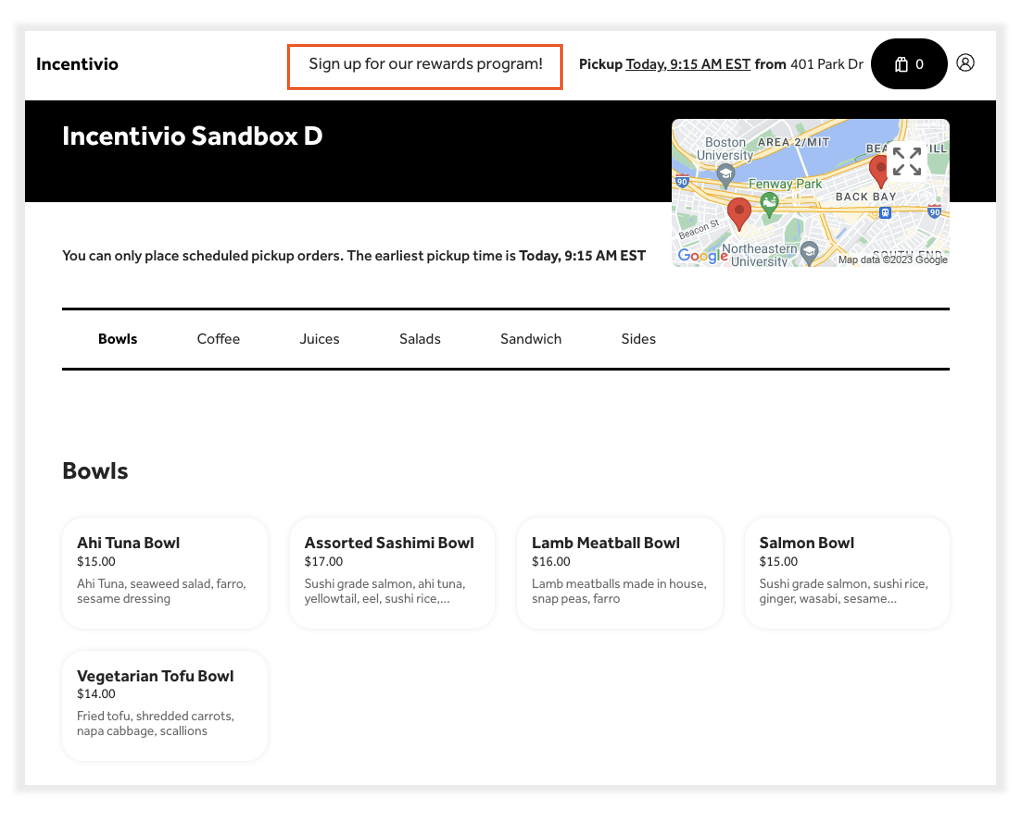
与Toast POS一样,顾客无法在Toast 线上点餐页面中注册您的第三方会员计划。Toast建议将您的奖励计划注册链接添加到您的线上点餐页面的页眉中,如下面的示例所示。
只有在登录到他们的Toast账户时,顾客才能在结账时选择参与会员计划。
要求:
- Toast 线上点餐的第三方会员功能需要订阅线上点餐专业版或网站以及Toast 线上点餐订阅。需要更多关于如何订阅的信息吗?请查看Toast支持中的开始使用线上点餐专业版或开始使用Toast网站。
- 要在您的Toast 线上点餐页面上启用第三方会员计划,您的第三方会员计划必须已经与Toast POS集成。
- 只有与Toast POS集成了第三方会员计划的用户才能注册此测试功能。
在Toast 线上点餐专业版上启用第三方会员计划
在确认您的餐厅满足此功能的要求后,请按照以下步骤启用它。
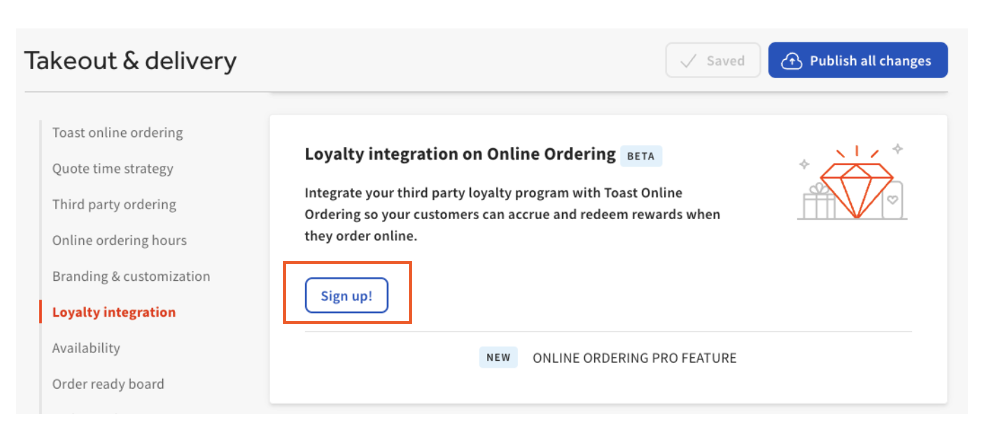
- 登录到 Toast Web 并导航到 外卖和送货 > 忠诚度集成。
- 选择 注册! 按钮,这将打开一个 Google 表单供您填写。
注意:请求将在两个工作日内处理,表单中输入的电子邮件地址将在请求处理完成时收到通知。
如果您在 外卖和送货: 中看不到 忠诚度集成 部分,
- 确认您已订阅 Toast 在线订餐专业版 或 开始使用 Toast 网站。
- 确认您的忠诚度提供商已与您的 Toast POS 集成。 有关更多信息,请参见 Toast 支持中的 开始使用礼品卡和忠诚度合作伙伴集成。
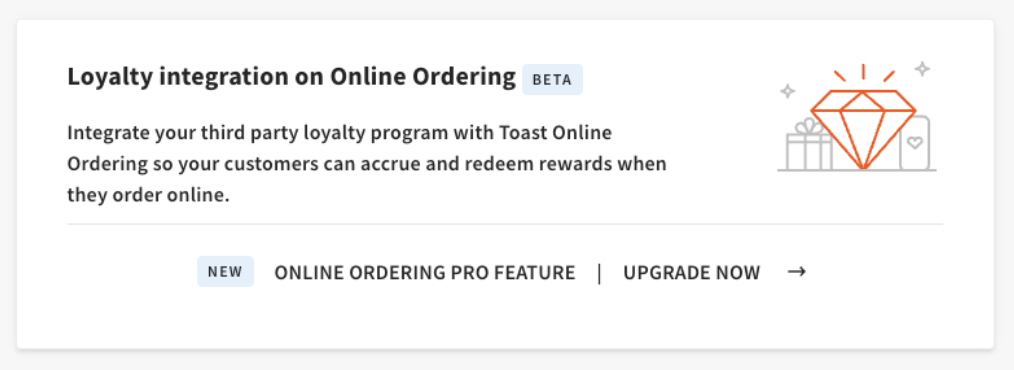
确认后,请按照上面的 第一步和第二步 加入测试版。
客户体验
在 Toast 在线订餐中,客人可以在结账时查找他们的奖励账户,如果他们已登录到自己的 Toast 账户。
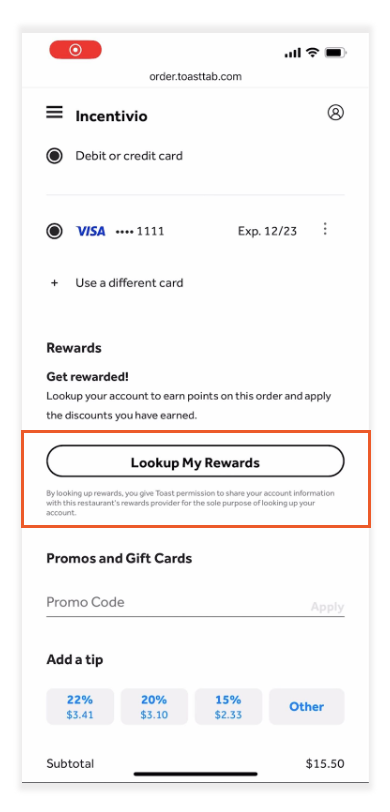
一旦选择了 查询我的奖励,Toast 账户上的电子邮件地址和电话号码将与您的第三方忠诚度提供商共享,以确定您餐厅的忠诚度计划中是否有与客人的电子邮件地址或电话号码匹配的账户。
注意:如果返回两个账户(即,一个与电话号码匹配,另一个与电子邮件地址匹配),Toast 将选择与电子邮件地址匹配的账户。
如果您的第三方忠诚度提供商向 Toast 发送至少一个匹配的账户,您的客人将根据他们的忠诚度和奖励状态看到以下内容之一:
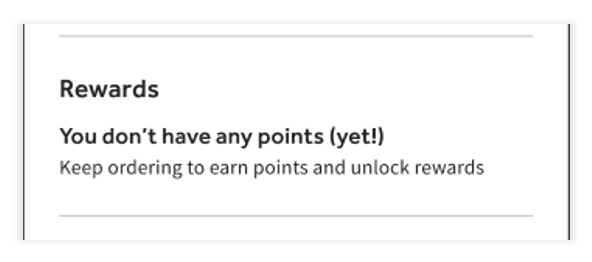
没有奖励,没有积分:
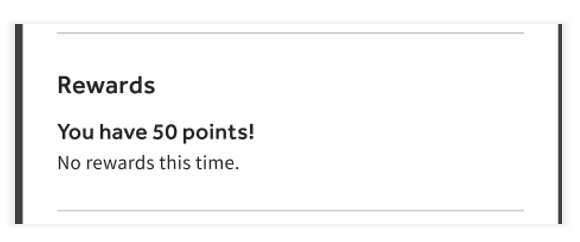
有积分,但没有奖励:
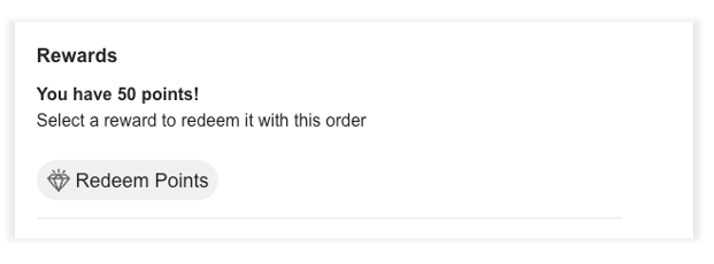
积分和奖励:
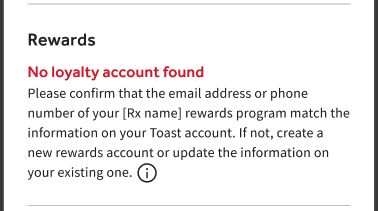
注意:如果您的第三方忠诚度提供商未向Toast发送匹配的账户,您的客户将看到以下内容:
营销
为了确保您的客户了解并参与您的第三方忠诚度计划,以下是一些建议:
- 在您的在线订购页面标题中添加自定义注册链接。当客户选择此链接时,注册表单将在新浏览器窗口中打开。
- 添加一个聚光灯横幅或弹出窗口,告知您的在线订购客户,他们现在可以通过在线订购参与奖励计划。
有关如何自定义您的在线订购页面的更多信息,请参见Toast在线订购专业版:菜单页面配置在Toast支持中。