Get Help With Barcodes and Scanning
Last updated: Sep 16, 2026, 5:05 PM
Find troubleshooting steps and answers to commonly asked questions about barcodes and scanning.
- Troubleshoot Barcodes and Scanning
- Frequently Asked Questions
- What if my products don’t have barcodes?
- What if I have items that have the same barcode?
- Can Toast label printers print barcode labels for retail items?
- Can items with a SKU be in the same menu (category group) as items without a SKU?
- Can invalid barcodes still be scanned?
- Why would I have both a barcode and a PLU?
- Does Toast Retail allow for multiple barcodes or versions of items?
Troubleshoot Barcodes and Scanning
Below are some scenarios you may encounter while using barcodes and scanners, along with the recommended steps to resolve them.
My barcode isn't scanning / My scanner isn't working
If your barcode isn't scanning on your POS, follow the steps below. After each step, attempt to scan the item again to see if the issue has been resolved.
- Make sure you’re using a Toast-supported scanner (see Set Up and Use a Scanner).
- Check that the scanner is connected to the printer or hub correctly, via USB.
- Make sure SKUs are enabled on your POS device under Setup > Device Setup.
- Make sure that the item has been added to the Toast Retail item library (or one of your Toast menus).
- If the item was just added recently, be sure to publish your changes.
- Check the barcode on the item details page to see if it’s missing a leading zero or a check digit. See the Sort, Filter, and Search Your Item Library section of this Support Center article, Optimize Toast Retail, for instructions on how to quickly identify barcode errors using filters.
- Try to scan the item again. Is an error message showing on the screen?
- If the error says "Promo code cannot be found", then SKUs are not enabled on your POS device. Navigate to Setup > Device Setup, select Enable SKUs, select Yes, and then select Continue.
- If the error says “SKU … is not found” or "Item not found", the barcode is most likely entered incorrectly in Toast Web, or does not exist at all in Toast. Find the item in your item library or your menu editor and confirm that the barcode in Toast matches the physical barcode on the item.
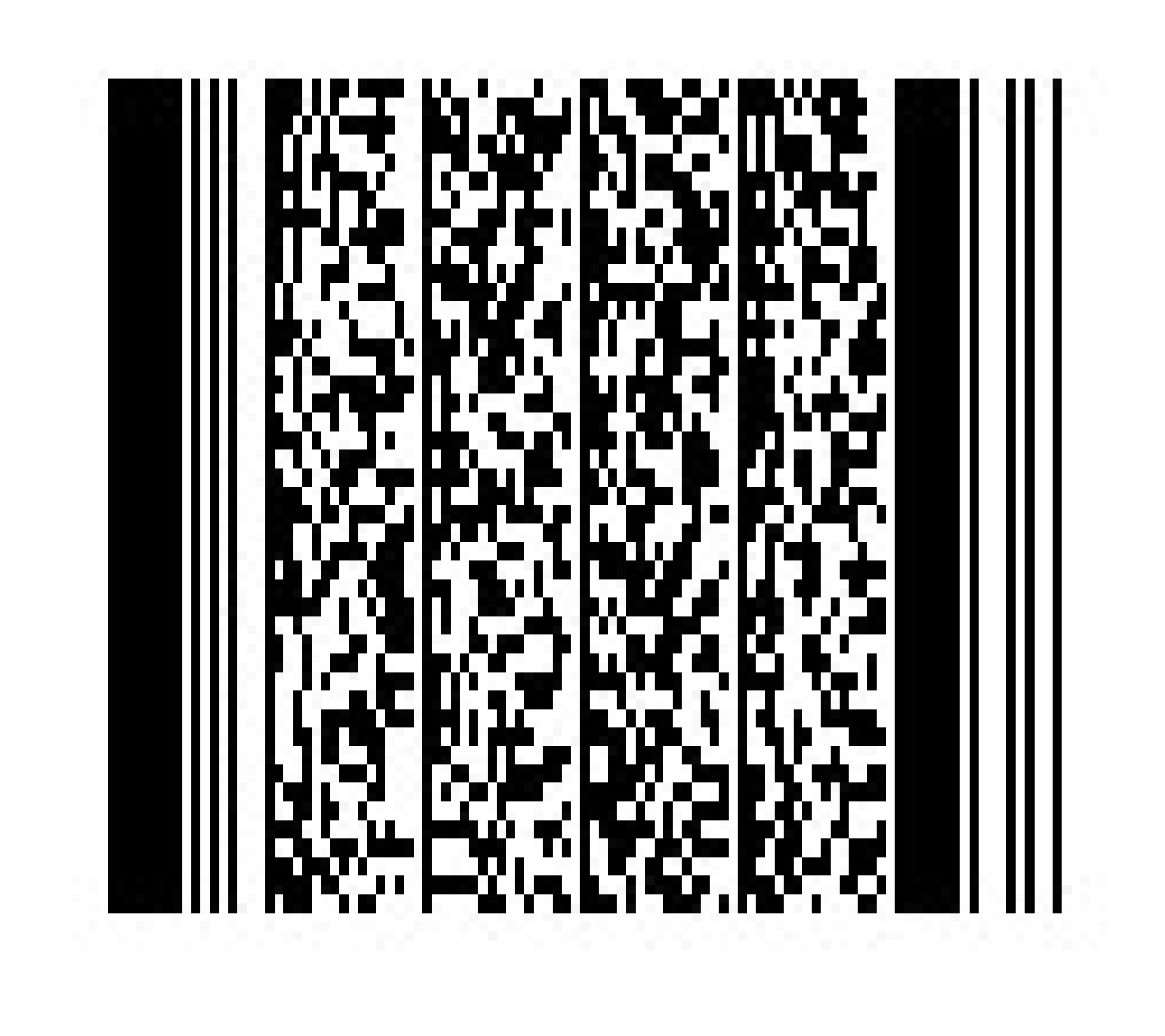
- If no error message shows up, scan this barcode to ensure your scanner is in SNAPI (Symbol Native API) mode.
The wrong item price is being added to a check when I scan a barcode (SKUs ringing up incorrect pricing)
The wrong price might be added to a check for two reasons:
- The price might be entered incorrectly in Toast Web. Navigate to the item details page and check that the price is configured correctly.
- You might have multiple items with the same barcode, and one of your menu groups/category has been set as the "parent" (default). You can either select a different menu group/category to serve as the parent (preferred) group, or you can disable the parent group so that a pop-up will appear and allow you to select your desired item every time you scan. Learn more: Manage Duplicate Barcodes.
A pop-up appears asking me to choose an item after I scan
- A "Multiple items found" pop-up appears when multiple items have the same barcode, so that you can select which item your guest wants to purchase. Sometimes this is the desired behavior, for example if you sell a 6-pack and an individual item that both have the same barcode.
- If you want your POS to default to the same item every time you scan that barcode, set a preferred menu group/category in Toast Web. Learn more: Manage Duplicate Barcodes.
I can’t print my Toast Retail barcode labels
If you can't print your barcode labels in Toast Retail, try these troubleshooting steps:
- Make sure you’re printing the label from Toast Web, not from your POS device.
- Check that the label size you’re printing is supported by Toast. See Toast Retail: Supported Barcode Label Sizes.
- For instructions on printing your barcode labels, see the Toast Retail: Generate and Print Barcodes section of this Support Center article, Use Barcodes With Toast.
Note: Barcode labels are different from item labels, which are often used for takeout orders. For more information on item labels, see Set Up and Print Item Labels.
I’m getting the “Invalid barcode” error message with Toast Retail
The "invalid barcode" error occurs when the last digit of a barcode (the check digit) doesn’t match the expected value. You can correct the barcode on the item details page. However, these barcodes will still scan if the barcode in Toast matches the barcode on the item.
I’m getting the “Unscannable barcode” error message with Toast Retail
The "unscannable barcode" occurs when an extra zero exists in the first digit of a barcode. You can correct the barcode on the item details page.
Frequently Asked Questions About Barcodes and Scanning
What if my retail products don’t have barcodes?
We can create barcodes for you! Within the Retail item library or on the item details page, we can generate a unique, printable barcode for your item. Learn more in the Toast Retail: Generate and Print Barcodes section of this Support Center article, Use Barcodes With Toast. You are not required to have barcodes to use Toast Retail.
What if I have items that have the same barcode?
When items share barcodes, the POS will prompt you to select an item when the barcode is scanned. Learn more: Manage Duplicate Barcodes.
Can Toast label printers print barcode labels for retail items?
No, Toast does not currently sell barcode label printers. Toast label printers are configured for to-go individual item labels. You can purchase a barcode label printer from a third party, and we commonly see options from Zebra or Dymo.
Can items with a SKU be in the same menu (category group) as items without a SKU?
Yes, items with a SKU can be in the same menu or category group as items without a SKU. However, this is not advisable since the display can get cluttered, making it harder to find items on your POS.
Can invalid barcodes still be scanned?
Yes, an invalid barcode (e.g. missing a leading zero or wrong/missing check digit) will still scan as long as the sticker on the item matches the value we have in Toast. This most commonly occurs when the barcode was generated outside of a POS (e.g. Excel) and printed on a self-stick label
Why would I have both a barcode and a PLU?
Barcodes are for scanning; PLUs are for searching. You may choose to use both so that just in case a barcode isn’t working, you have an easy way to locate an item. PLUs are generally used for items like produce.
Does Toast Retail allow for multiple barcodes or versions of items?
Yes, retail items can have more than one barcode/UPC/SKU that is scanned. For items that commonly can have a variety of barcodes (e.g. strawberries from different suppliers), select + Add additional barcodes in the POS item configuration section of the item details page to designate multiple barcodes for the same item.