Identify Your Toast Hardware
Last updated: Feb 5, 2026, 8:02 AM
Toast offers numerous hardware options to get your restaurant up and running efficiently on the platform. Use this glossary to help identify what hardware you are using for your business.
Interested in adding more Toast Hardware to your restaurant? Navigate to Toast Shop now!
If you're outside of the US and want to add additional hardware, call Customer Care.
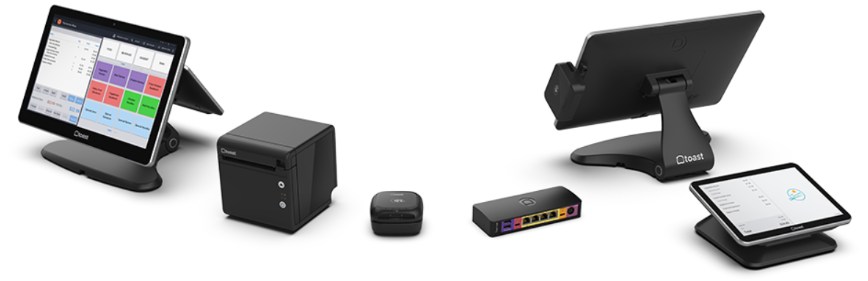
- Terminals
- Kitchen Display System (KDS)
- Handhelds
- Printers
- Card Readers
- Accessories
- Routers and Network Devices
Terminals
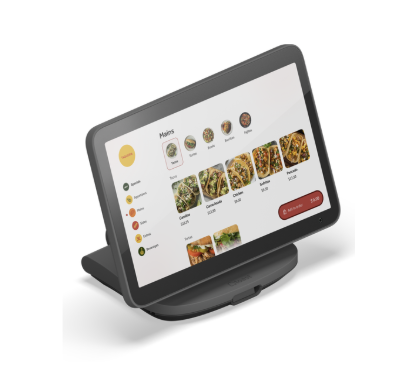
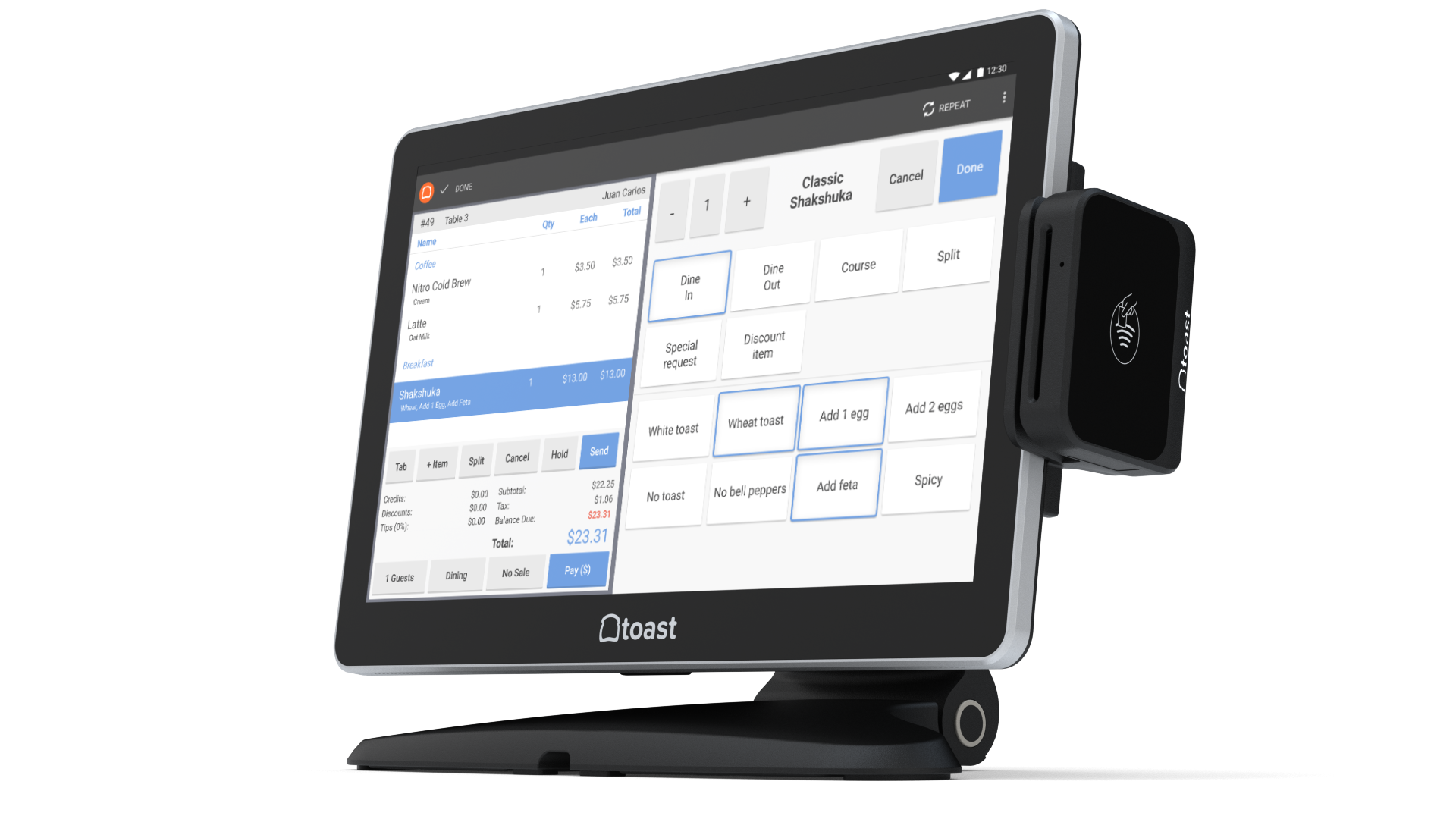
The two options you have for terminals with Toast are Elo models or the Toast Flex models. Unsure which one you have? Look at the stand that the screen sits on:
Toast Flex 3 Terminal
| Getting Started: | Help and Troubleshooting: |
Toast Flex 14"
| Getting Started: | Help and Troubleshooting: |
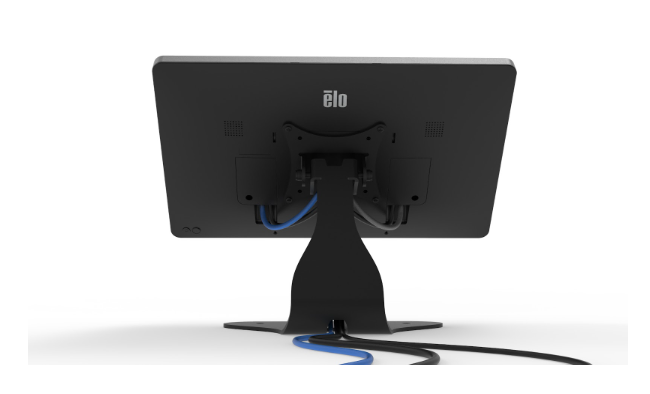
Elo Terminals
Elo terminals are available in 10-inch, 15-inch, and 22-inch sizes. There are two versions of Elo terminals: Elo V2/3 and Elo V4.
Look at the back of the device and notice where the power and home buttons are.
- Elo V2/3s have round power/home buttons in the corner of the device.
- An Elo V4 has round power/home buttons slightly offset from the center of the device, just underneath the indent for the stand.
- Although Elo V1s are no longer supported, they have square power and home buttons.
| Getting Started: | Help and Troubleshooting: |
Kiosk
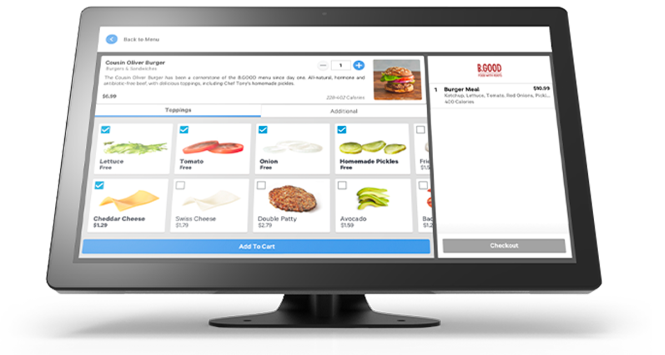
Kiosk devices are available in 10-inch, 15-inch, and 22-inch.
It's important to note that Elo terminals can be used in Kiosk mode. If you'd like to purchase the Kiosk feature, contact your Toast representative.
| Getting Started: | Help and Troubleshooting: |
Terminals with Guest-Facing Displays
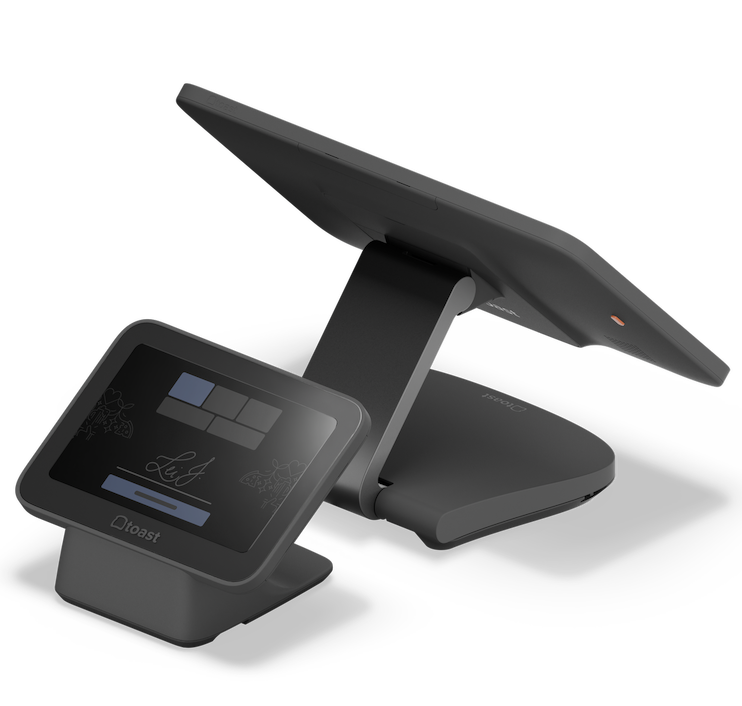
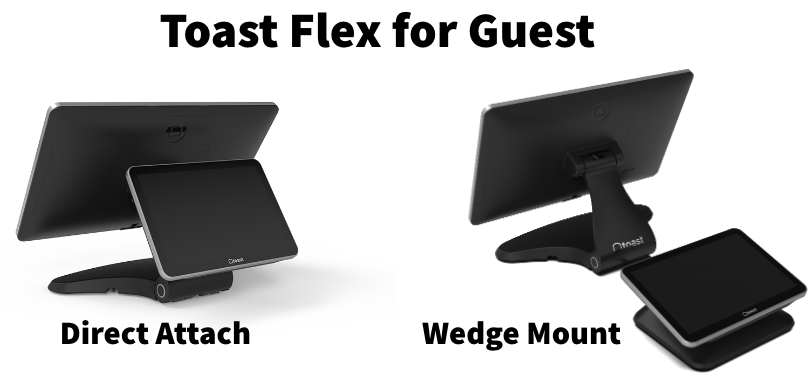
Terminals can have a dual-screen setup. For the Direct Attach version of the Toast Flex for Guest, the secondary screen is part of the main terminal stand. For the Wedge Mount version, the secondary screen is separate from the stand and connected by a single, green USB-C cable.
Toast Guest Display With Flex 3 Terminal
Getting Started:
| Help and Troubleshooting: |
Toast Flex for Guest
| Getting Started: | Help and Troubleshooting: |
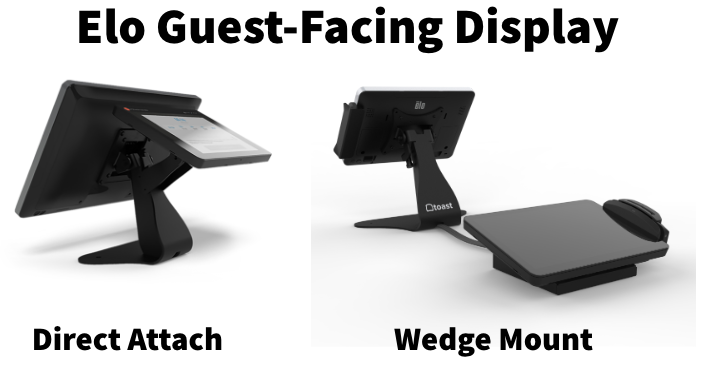
Elo Guest Facing Display
The Elo Guest-Facing-Display has a 10-inch secondary screen connected to an Elo terminal. The secondary screen must be assembled when installing the Guest-Facing Display. Both versions connect with 3 separate cables.
| The Elo Guest-Facing Display device is no longer sold, but is still supported. |
| Getting Started: | Help and Troubleshooting: |
Kitchen Display System (KDS)
The Kitchen Display System, or KDS for short, isn't used by all kitchens, but it's a useful tool to help manage the kitchen workflow. There are 2 available options for KDS setups: The Toast Flex for Kitchen and the Elo Kitchen Display Screen.
The main way to tell the difference between the two is the size of the screen. The Toast Flex for Kitchen only comes in a 14-inch screen size, and an Elo Kitchen Display Screen can be any of the Elo terminal sizes.
The Toast Flex for Kitchen can be installed on the stand, which will appear as a Toast Flex terminal, or it can be wall-mounted. Both versions are 14-inch in size. The Elo Kitchen Display system can be on the stand, which will appear as an Elo terminal, or it can be wall-mounted.
| Getting Started: | Help and Troubleshooting: |
Handhelds
Use the chart below to differentiate between Toast Go® 2 and Toast Go®3 devices.
| Toast Go® 2 | Toast Go® 3 |
|---|---|
| | |
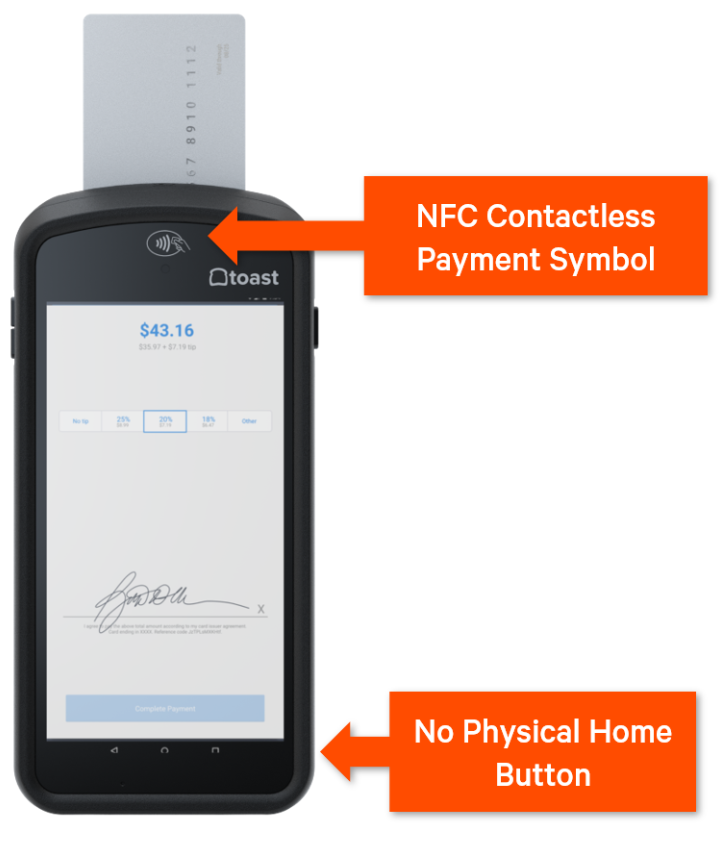
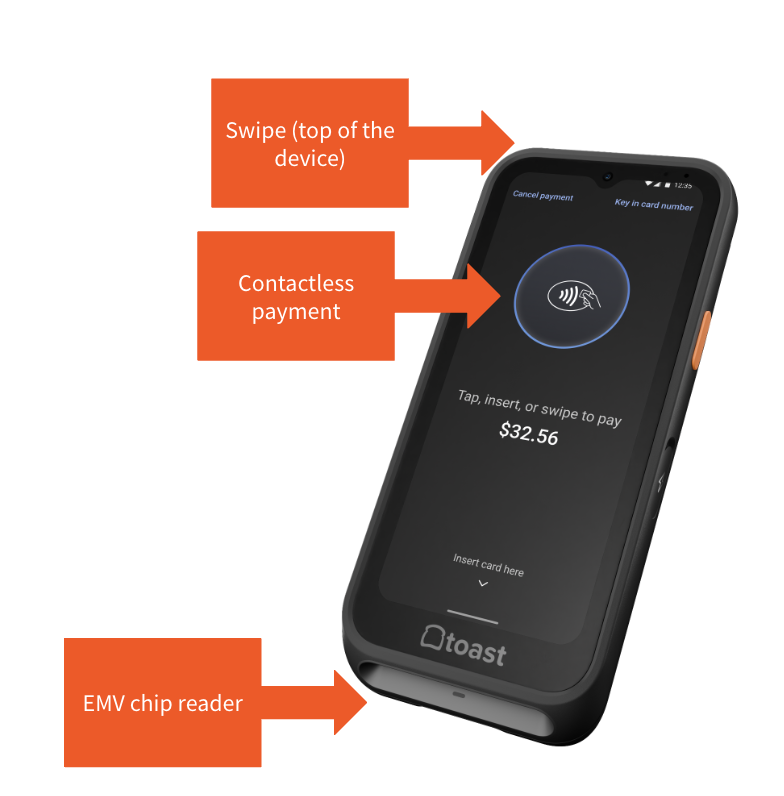
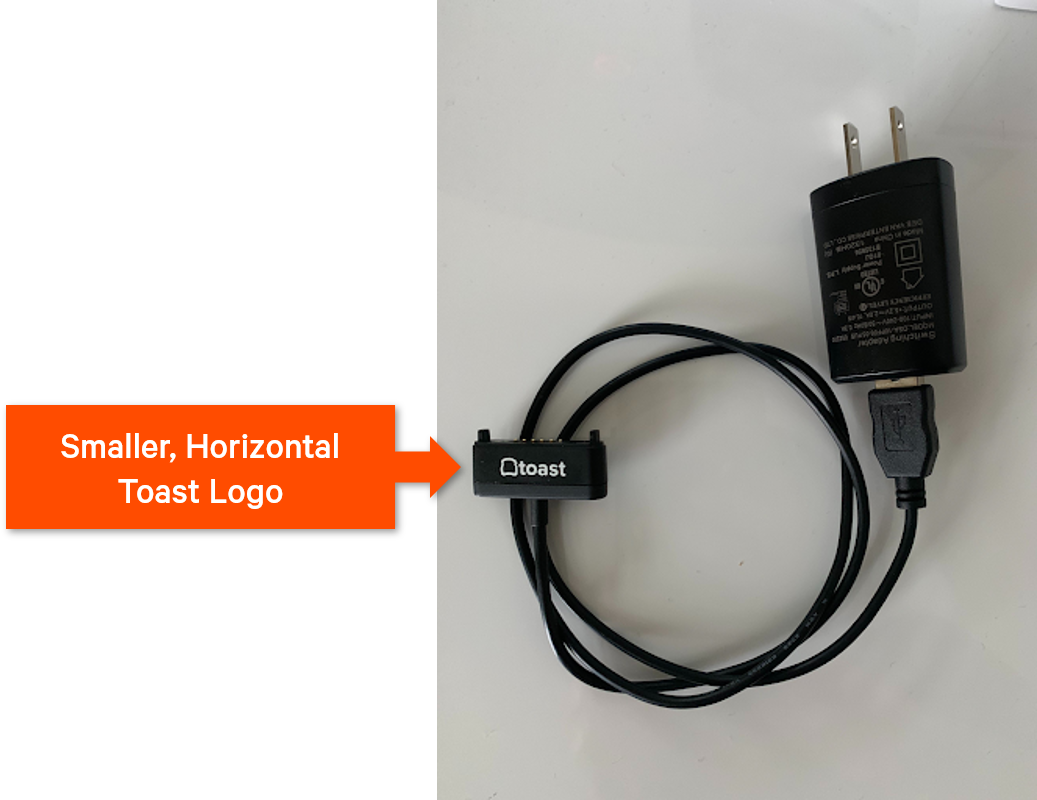
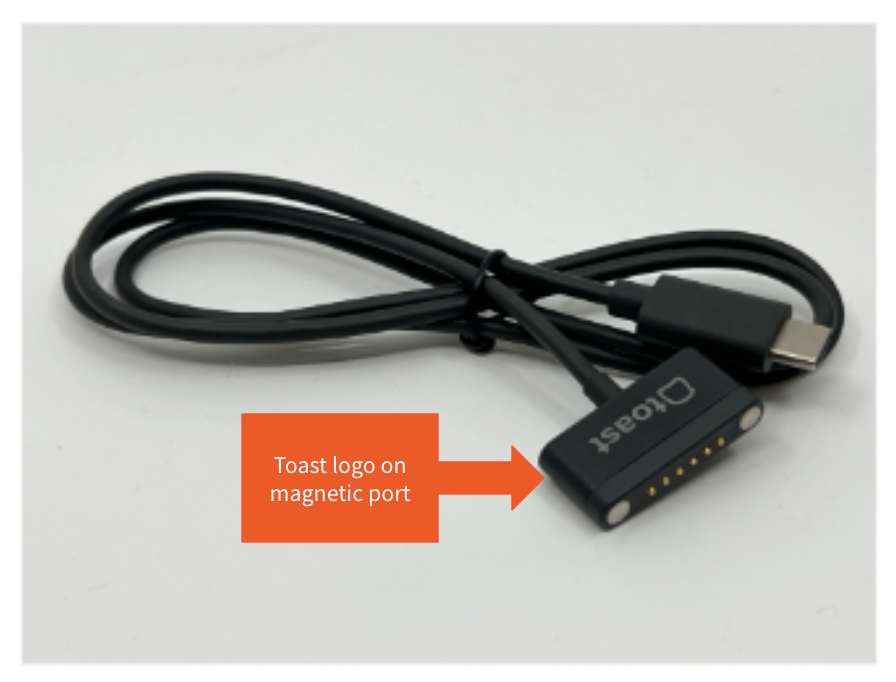
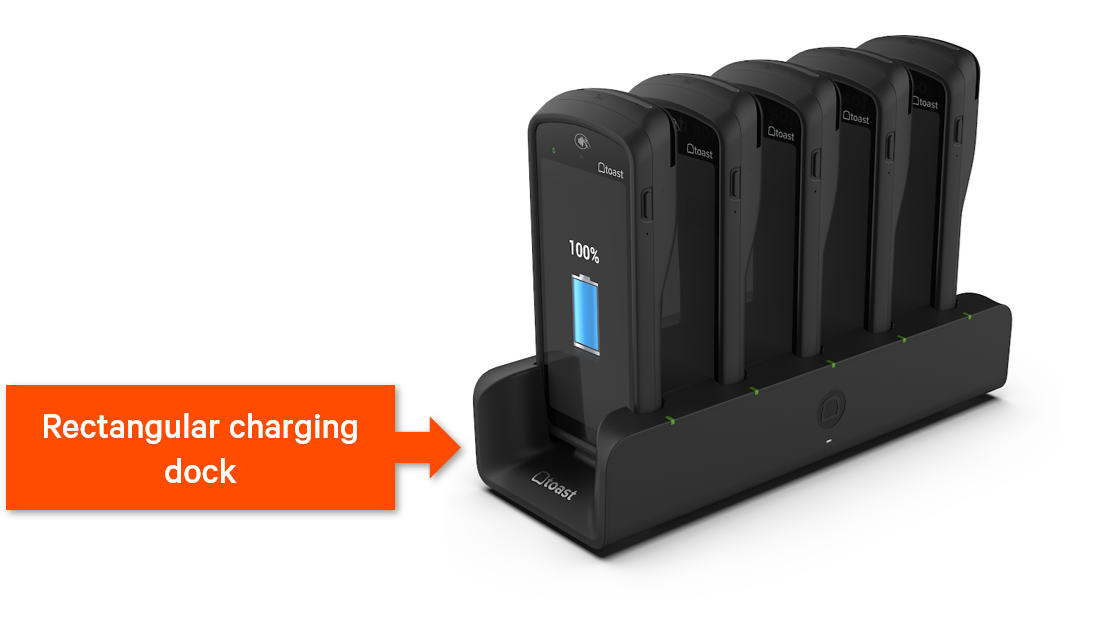
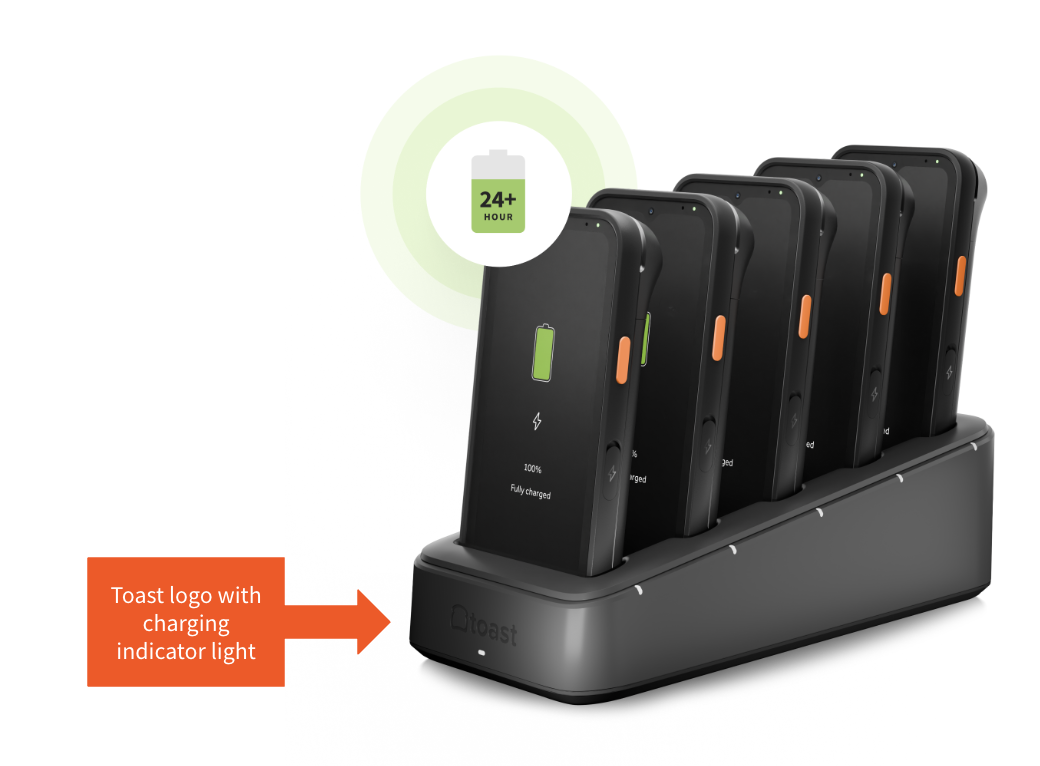
Toast Go® 2 and Toast Go® 3 devices also use different chargers and charging docks. These chargers are not compatible with the opposite device, meaning you can't charge a Toast Go® 2 with a Toast Go® 1 charging cable or dock station and vice versa. Use the chart below to differentiate between Toast Go® 1 and Toast Go® 2's charging equipment:
| Toast Go® 2 | Toast Go® 3 |
|---|---|
| | |
| | |
Toast Go® 1
| This device is no longer sold but is still supported. Please contact Customer Care if you need assistance troubleshooting. |
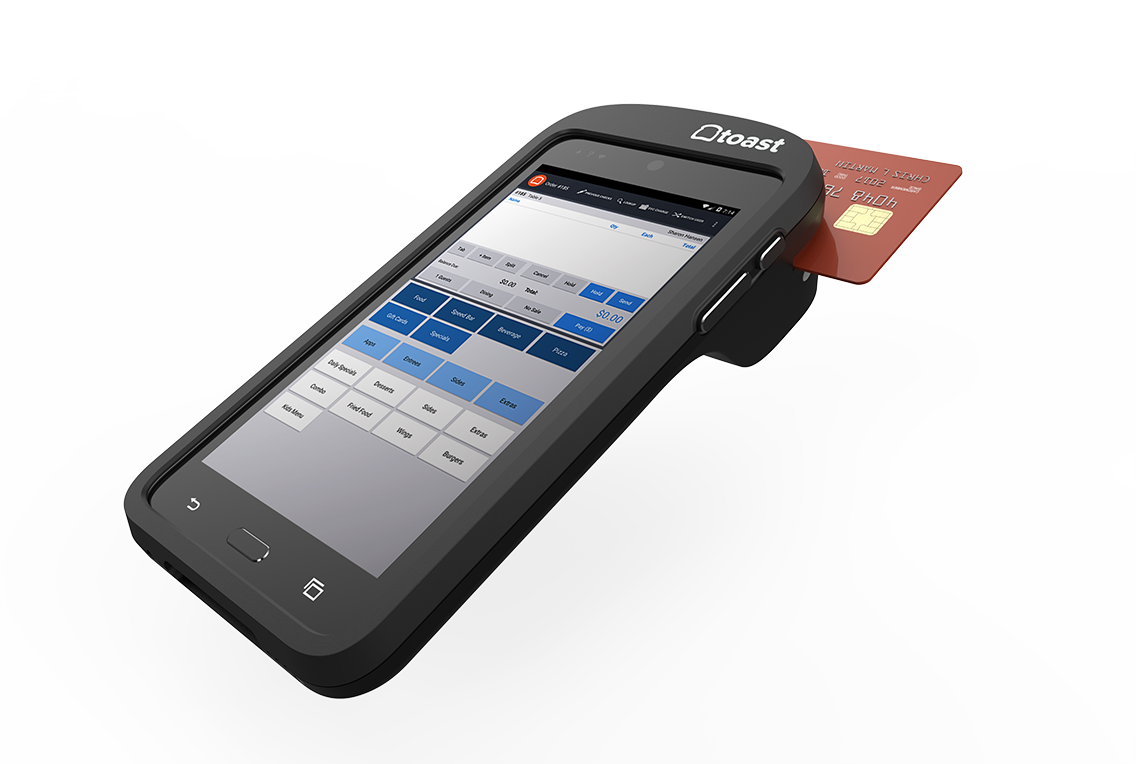
The Toast Go® 1 is Toast's own handheld device with a built-in mag stripe and EMV card reader. The handheld is branded with the Toast logo.
| Help and Troubleshooting: |
Toast Go® 2
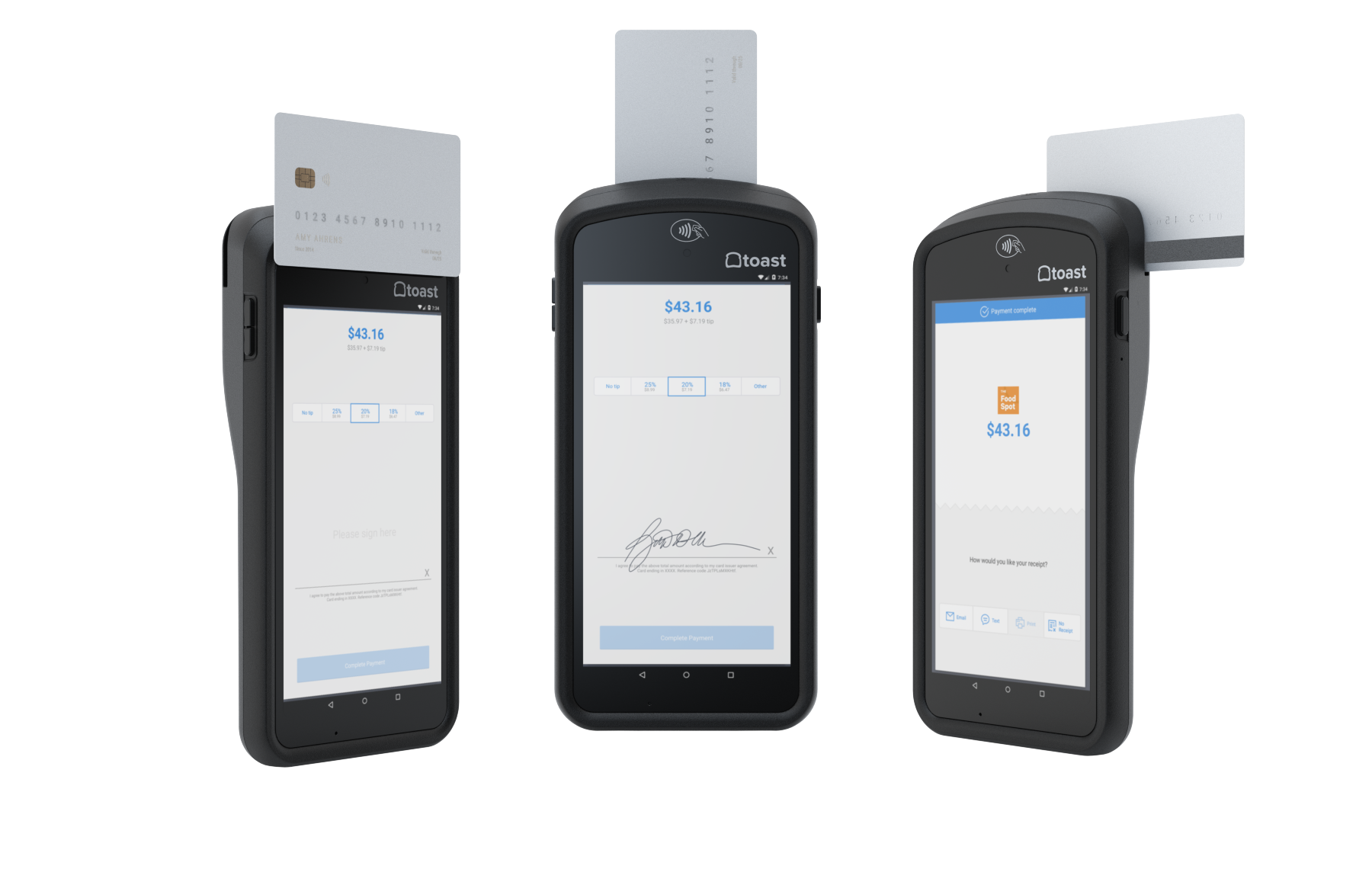
This is Toast's own handheld device with a built-in BBPOS card reader allowing for dips, swipes, and taps. The handheld is branded with the Toast logo.
| Getting Started: | Help and Troubleshooting: |
Toast Go® 3
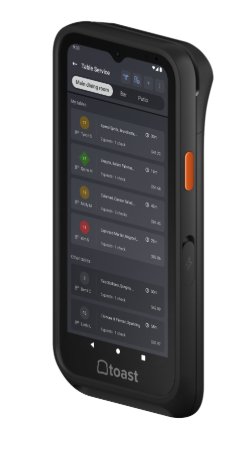
| Get Started: | Help and troubleshooting: |
Printers
Toast supports a number of printers for specific uses. The easiest way to tell what kind of printer you have is to look for either the Toast logo or Epson logo. For pictures and support information for each specific model, check out .
Card Readers
Toast supports a variety of card readers and has developed the Toast Tap® to be used for contactless payments. If you're wondering if your card reader takes contactless payments, look for this symbol on the reader:

For pictures and support information for each specific type of card reader, check out .
Card Readers for the UK, Ireland, and Canada
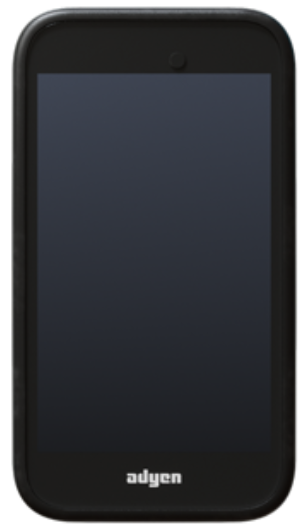
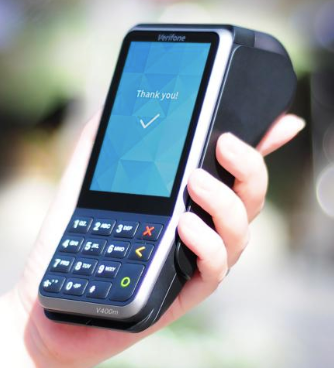
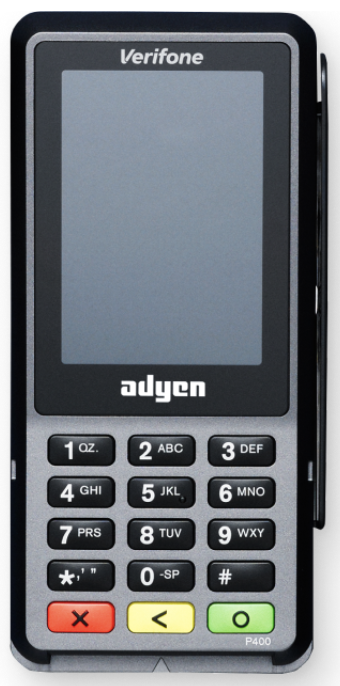
For a bit more information about each card reader, navigate to .
AMS1 Card Reader
V400m Card Reader
p400 Card Reader
S1 Handheld and Card Reader
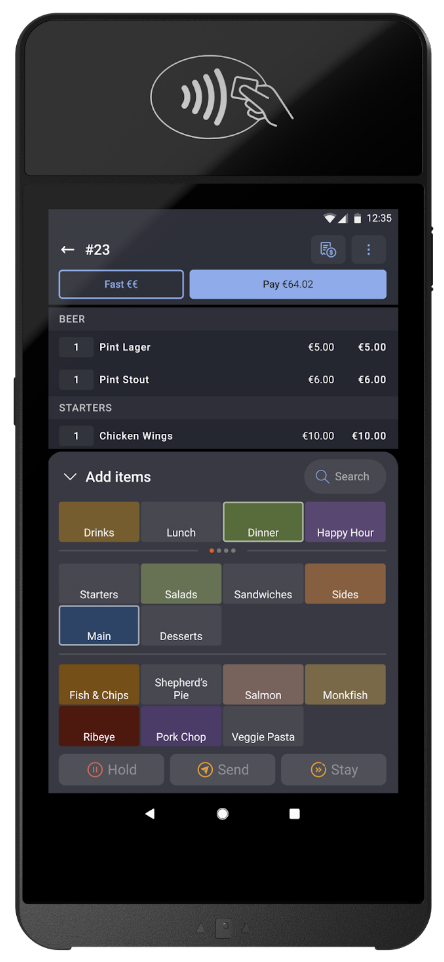
e285 Card Reader
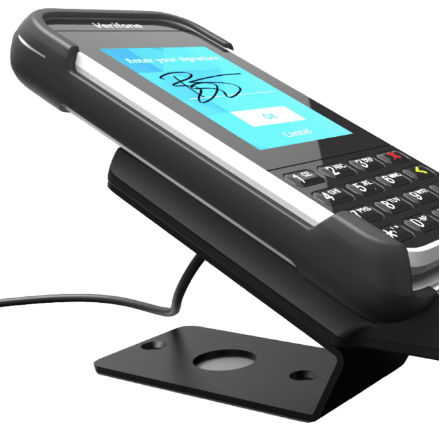
Accessories
Toast supports a variety of different accessories to be used with the platform, including:
Zebra DS2208 1D/2D Scanner 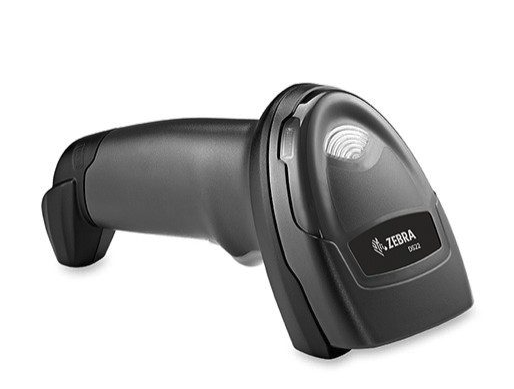 | Zebra DS9308 Hands-free Presentation Scanner 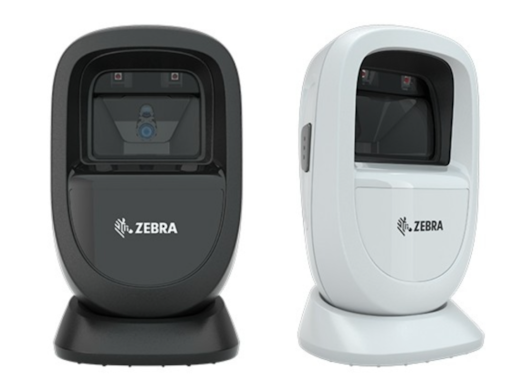 | Zebra DS2278 Handheld Wireless Scanner 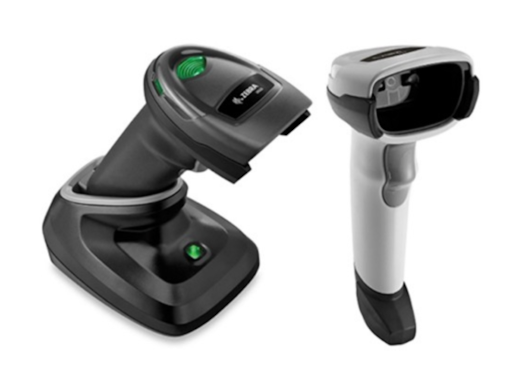 |
Honeywell MK7580 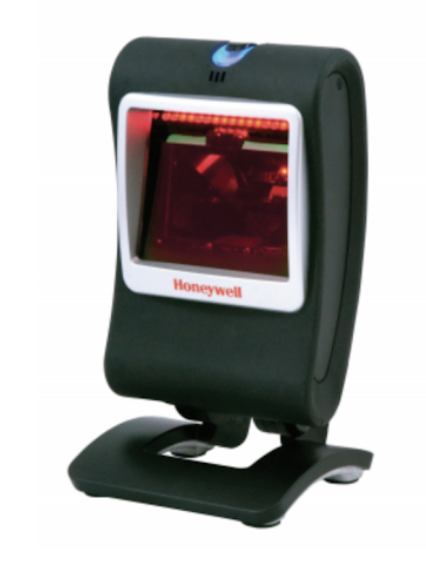 | Honeywell Wireless 1472G 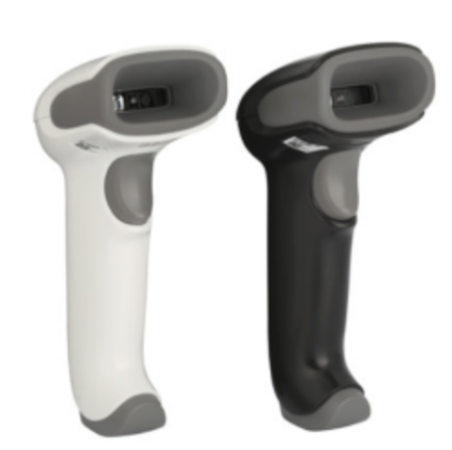 | Brecknell 6710U Scale 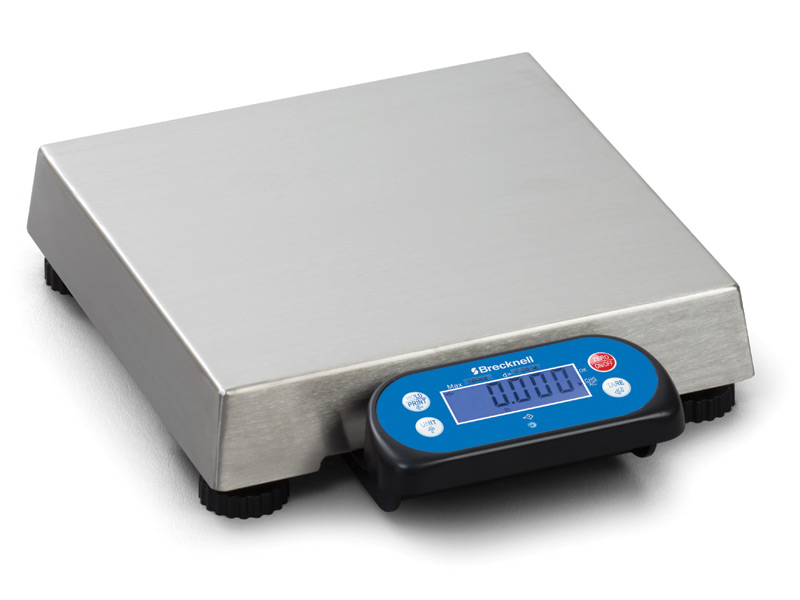 This scale is the only one Toast currently supports to be used with the platform. |
| Getting Started: |
The following devices are no longer sold, but are still supported:
Honeywell Voyager 1400g General Duty Scanner 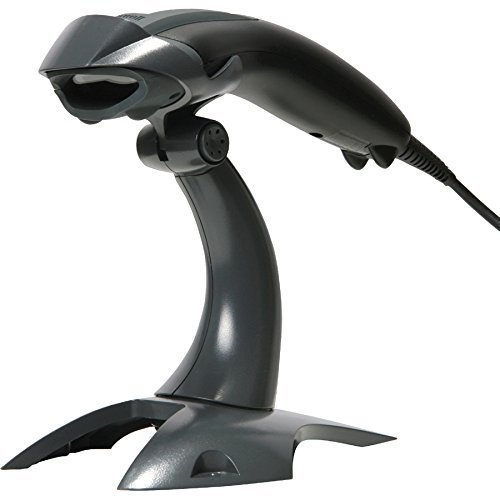 | Honeywell Genesis 7580g Hands-Free Scanner 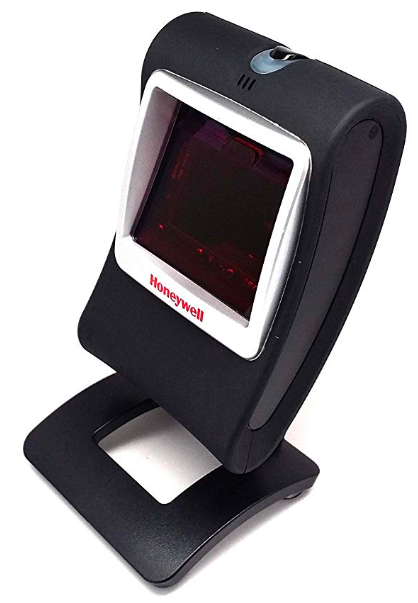 | Honeywell Voyager 1602g Pocket Scanner 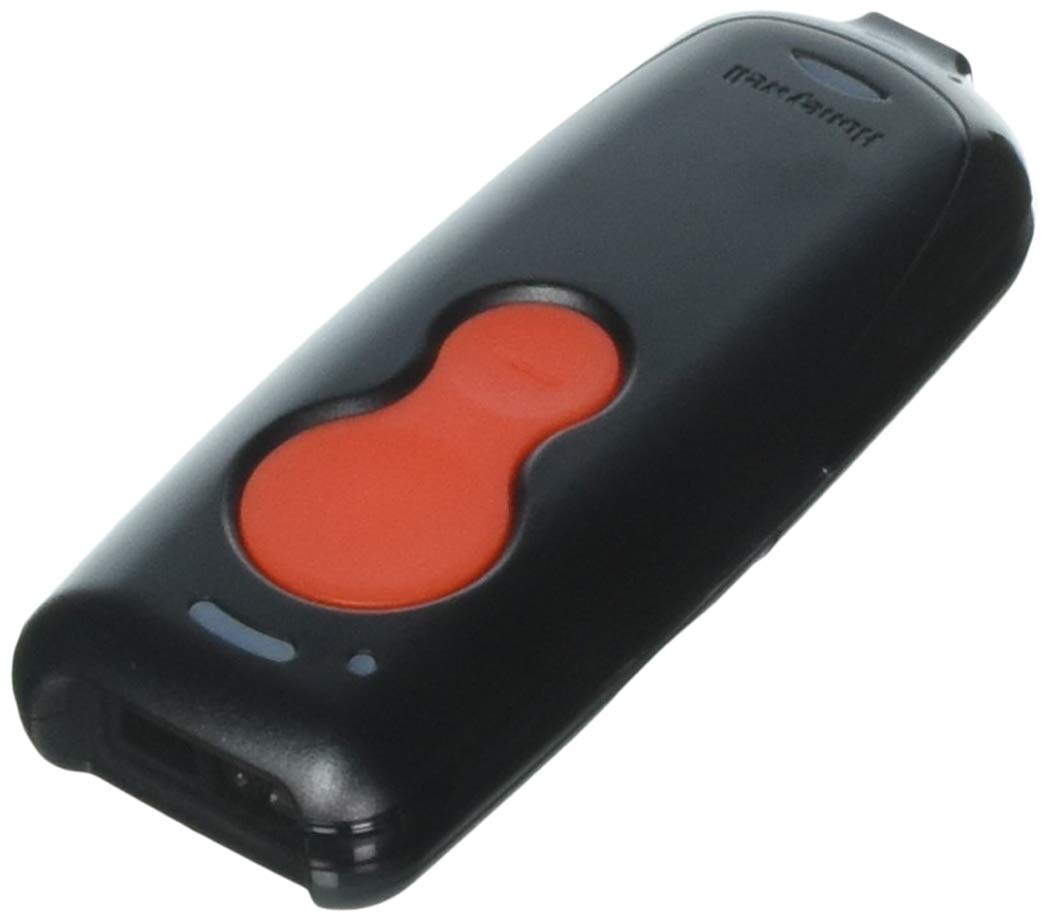 |
Honeywell Xenon 1952 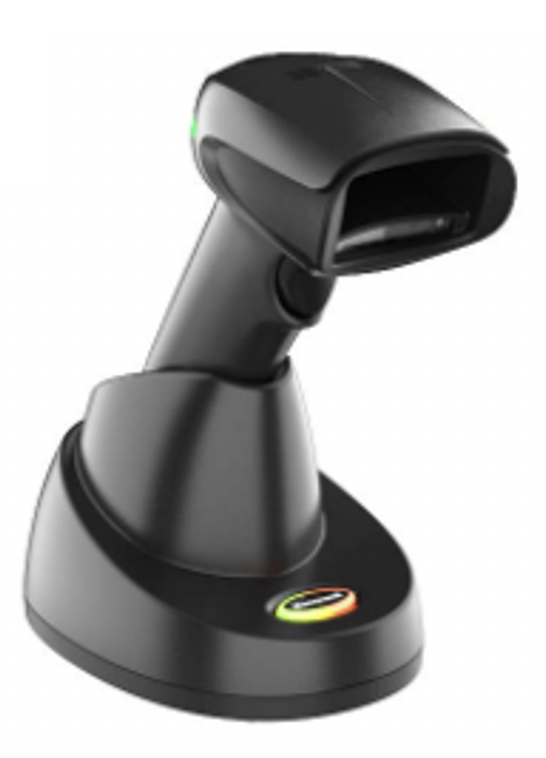 | Motorola CS3070 Bluetooth Scanner 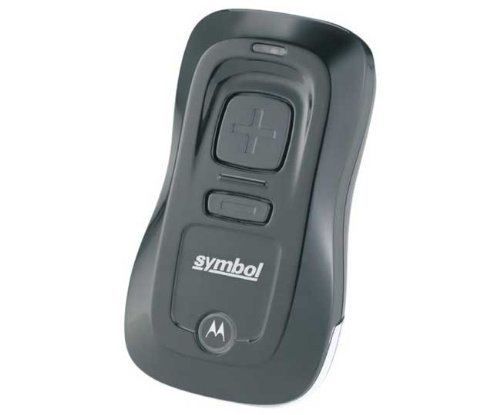 |
Routers and Network Devices
Toast Hub
The Toast Hub is an ethernet switch that extends the network provided by your router, enabling hardwired connectivity for your Toast devices.
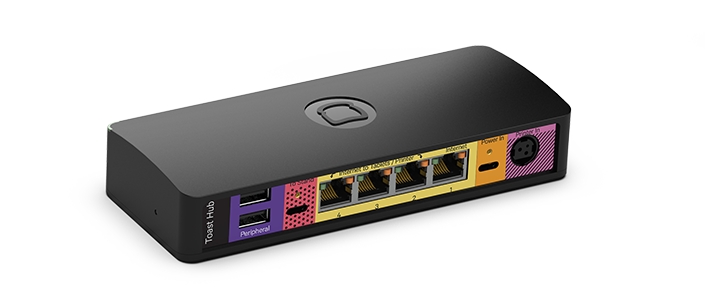
| Help and Troubleshooting: |
Wireless Access Points
The outdoor wireless access point allows you to extend your restaurant network onto the patio so your Toast Go® devices can be used anywhere in your restaurant.
The indoor wireless access point allows you to extend your restaurant network throughout your restaurant. Effective access point placement and installation are required for Toast Go® handheld devices.
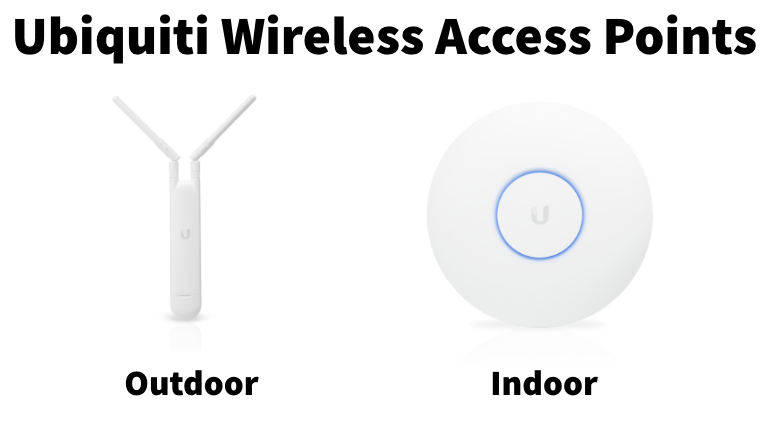
| Getting Started: |
Meraki Routers
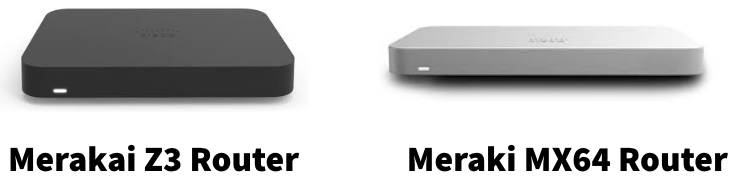
| Getting Started: |
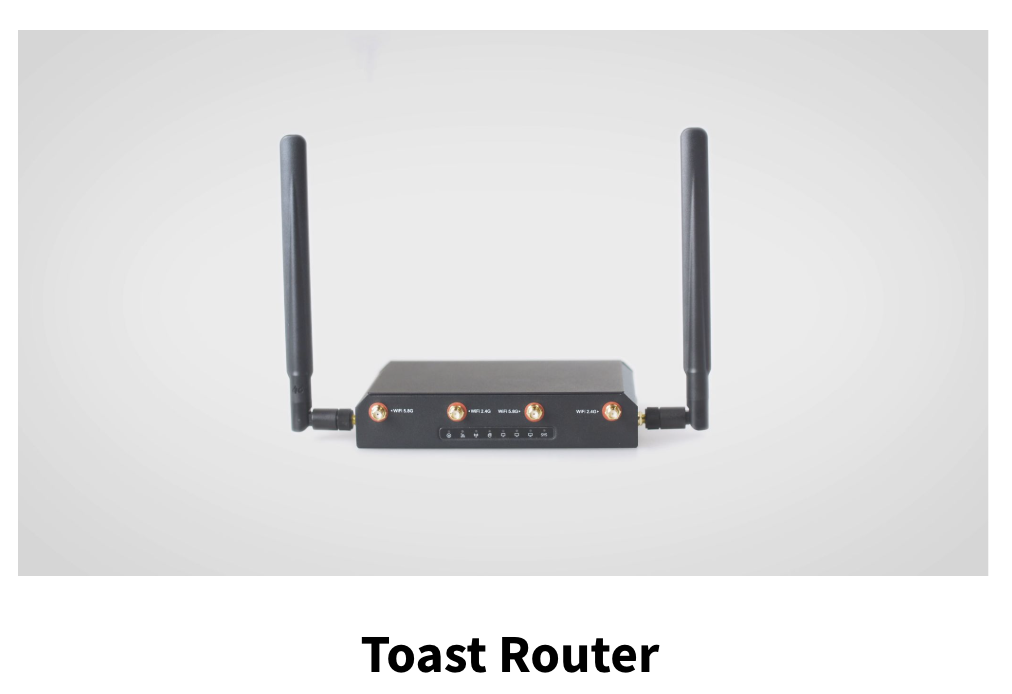
Toast Router
| |