Toast Hardware Hub
Last updated: Sep 11, 2026, 12:15 PM
Learn to manage your Toast hardware by selecting an image below for our latest support articles and resources.
| Toast Hardware Hub |
| Welcome to your one-stop shop for Toast hardware resources!
Whether you are installing your hardware for the first time, replacing existing Toast hardware, setting up software on your Toast devices, or looking for some help with your existing Toast hardware, we’ve got you covered.
This guide will walk you through our available resources to aid in your Toast hardware needs. Select the hardware images below to see the most common and up-to-date help articles.
Not sure which Toast hardware you have? Visit What Kind of Hardware Do I Have to find out. | Look for the buttons below to review content related to Install, Setup, and Help. | ||
 Install Install | Install your Toast hardware. | ||
 Setup Setup | Set up your software on Toast devices. | ||
 Help Help | Get help with troubleshooting steps. | ||
 | |
| Looking for an interactive installation guide? Select the button below to access Toast's new start-to-finish walkthrough for installing an entire Toast system. | Need immediate help with hardware? Head to the Support Center in Toast Web to chat 24/7, track case updates in real time, and access troubleshooting resources—all in one place. You can also chat directly in the Toast Now app. |
 | Toast Networking |
 | |
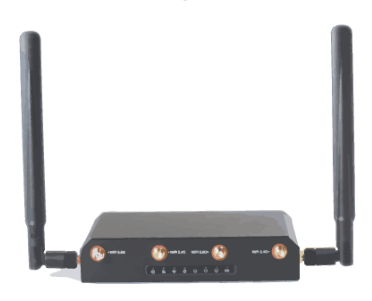
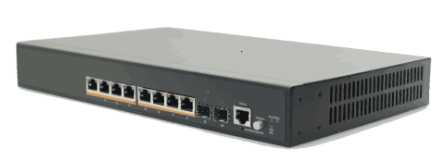
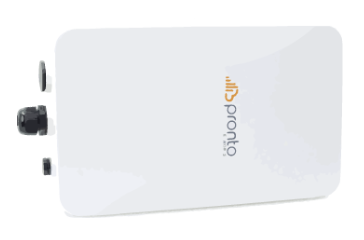
| Your Toast network (network managed by Toast) must be set up and established prior to connecting any of your hardwired or wireless devices. This network is created by connecting your Toast Router to your ISP (Internet Service Provider) modem. Use the resources below to learn how to best prepare your business for your Toast networking hardware.
| ||
| Toast Router | Toast Switch | Wireless Access Point |
 |  |  |
 Install Install | Install | Install |
 Help Help | Help | Help |
 | Toast Devices |
| |
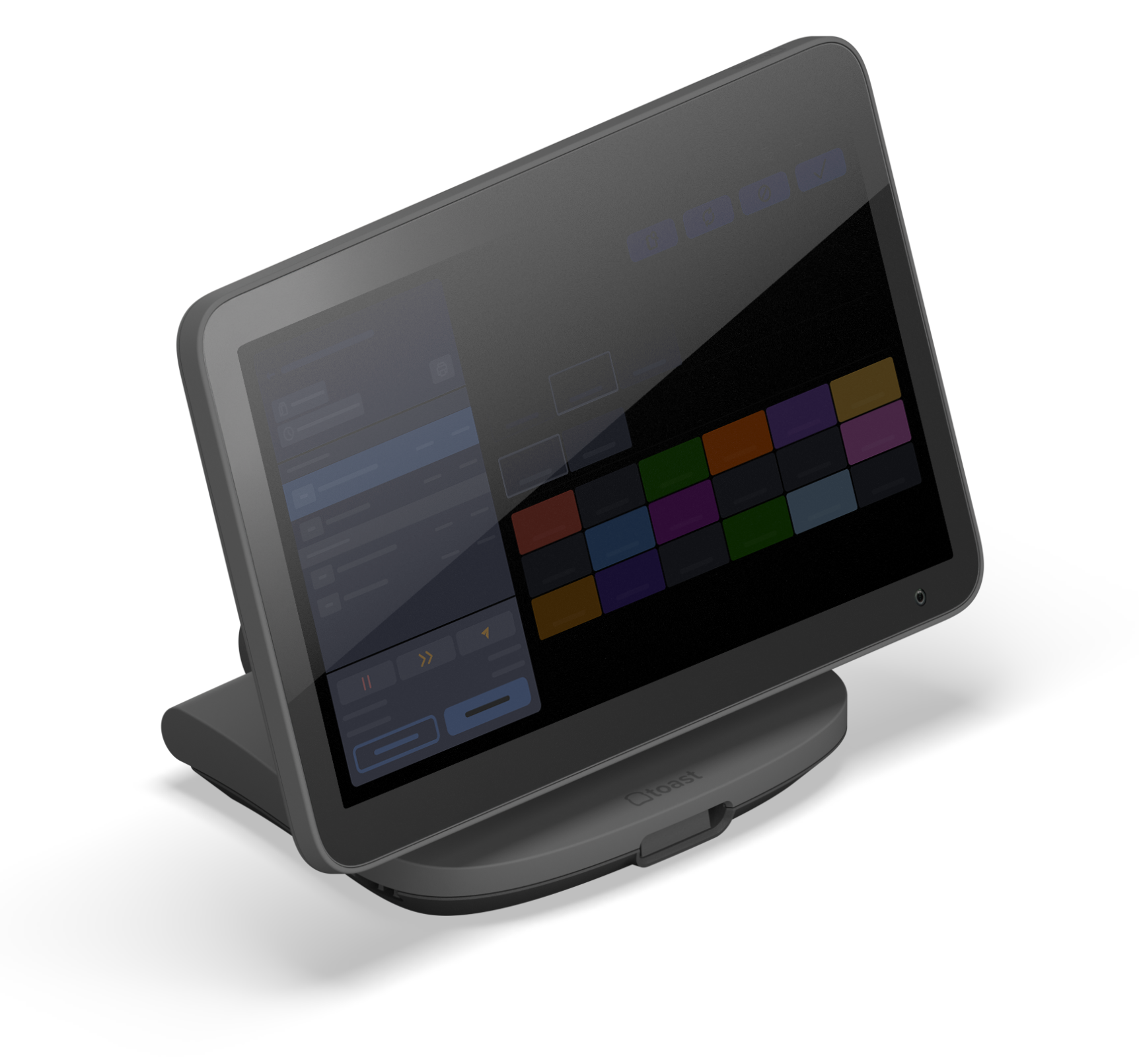
| Your Toast Flex and Elo devices can be used as a terminal, a terminal with Guest Display, a kitchen display screen, or a Kiosk!
Before getting started with any installation, Toast suggests unplugging and removing any current POS hardware and making sure your counter is clean, cleared, and wiped down. Starting with a fresh surface makes it easier to install!
If you are disconnecting an old Toast device to install a replacement device, print and fill out this form (English or French) or visit this article for more information on how to reconfigure your new device. | |
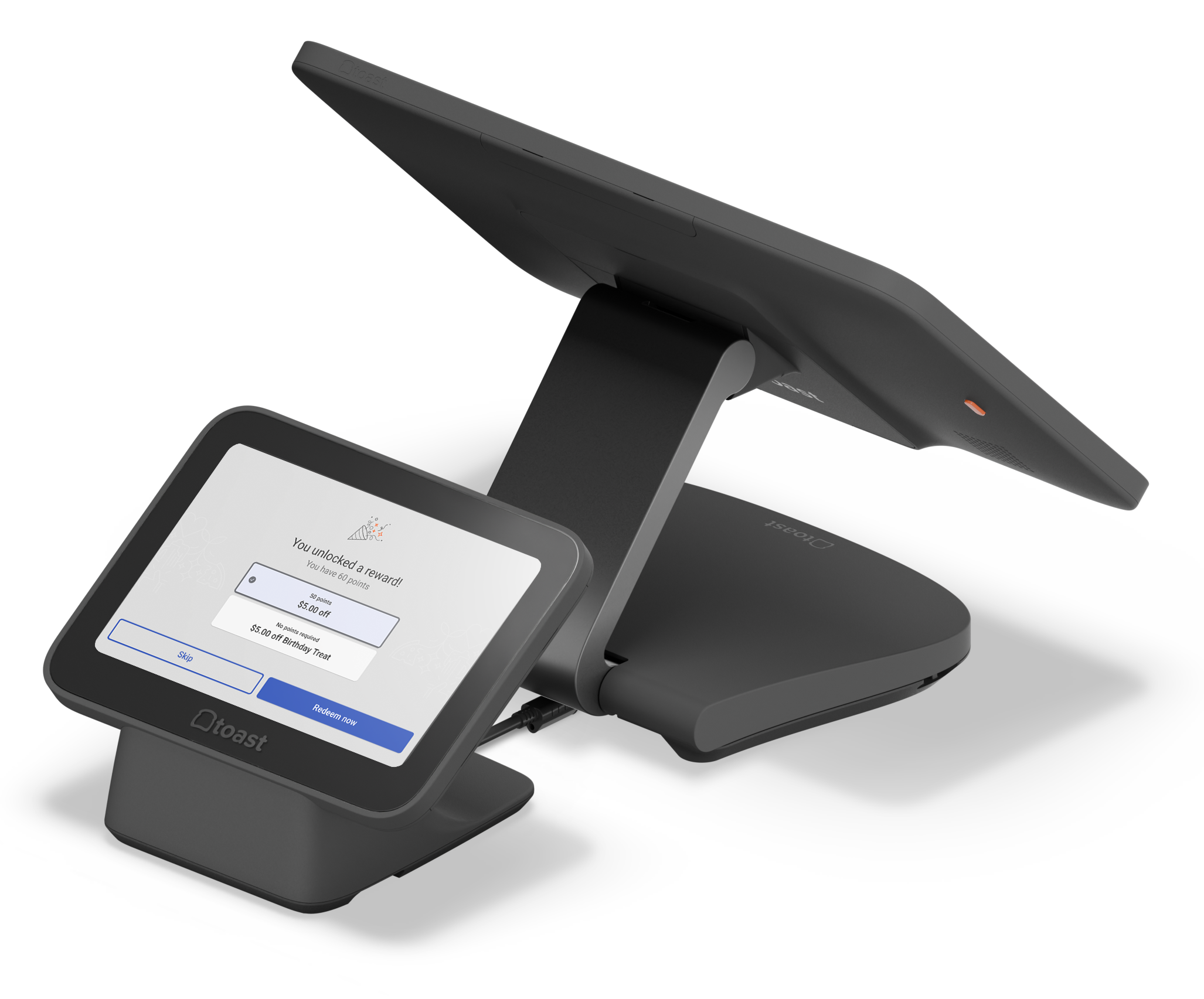
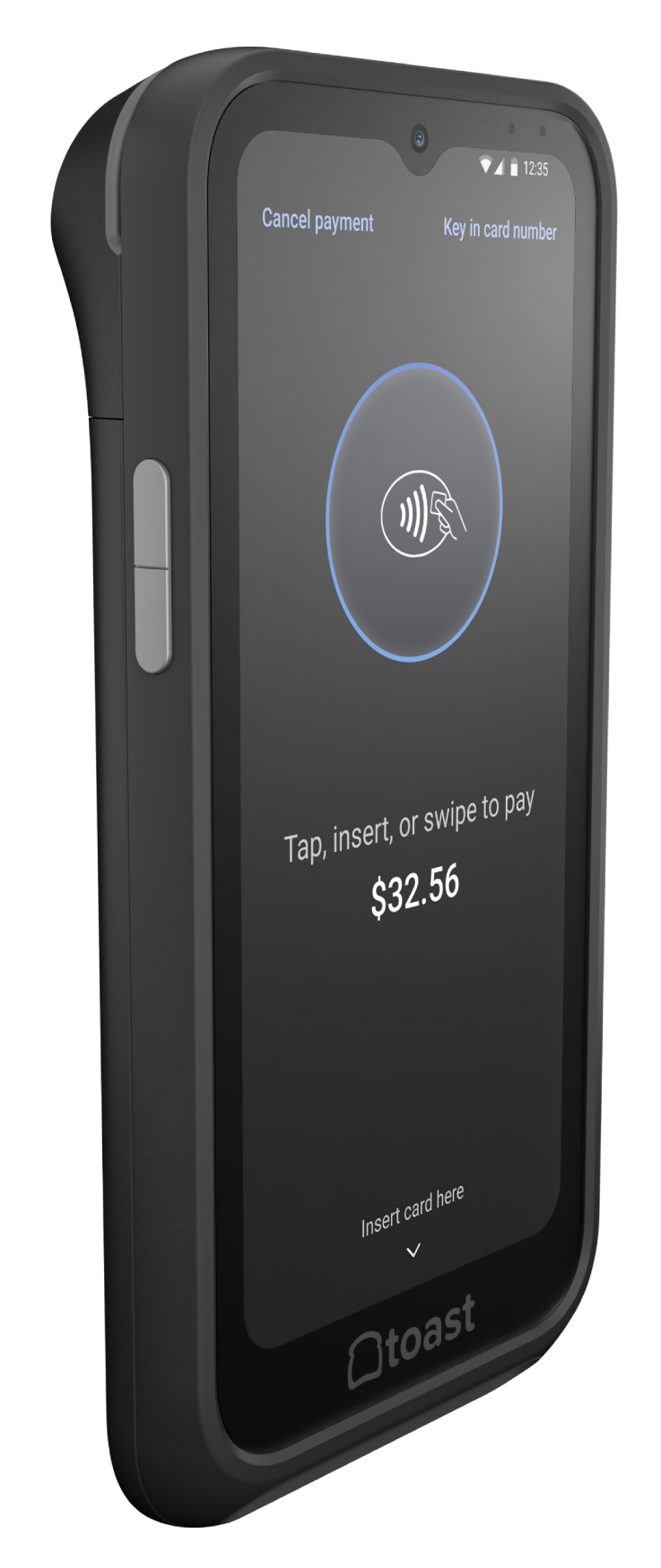
| Toast Flex 3 | Toast Flex 3 Guest Display | Toast Go® 3 |
 |  |  |
| Install | Install | Install |
 Setup Setup | Setup | Setup |
| Help | Help | Help |
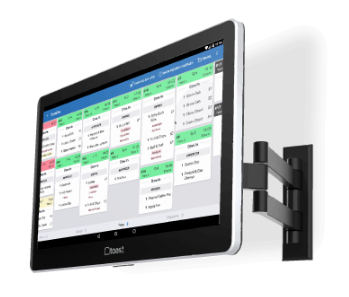
| Toast Flex 14 | Toast Flex for Guest | Toast Flex for Kitchen |
 |  |  |
| Install | Install | Install |
| Setup | Setup | Setup |
| Help | Help | Help |
| Toast Kiosk | Toast Go® 2 | Elo |
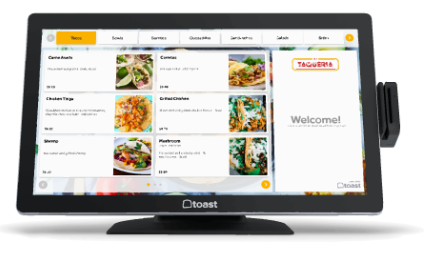 |  |  |
| Install | Install | Install |
| Setup | Setup | Setup |
| Help | Help | Help |
 | Toast Printers |
| |
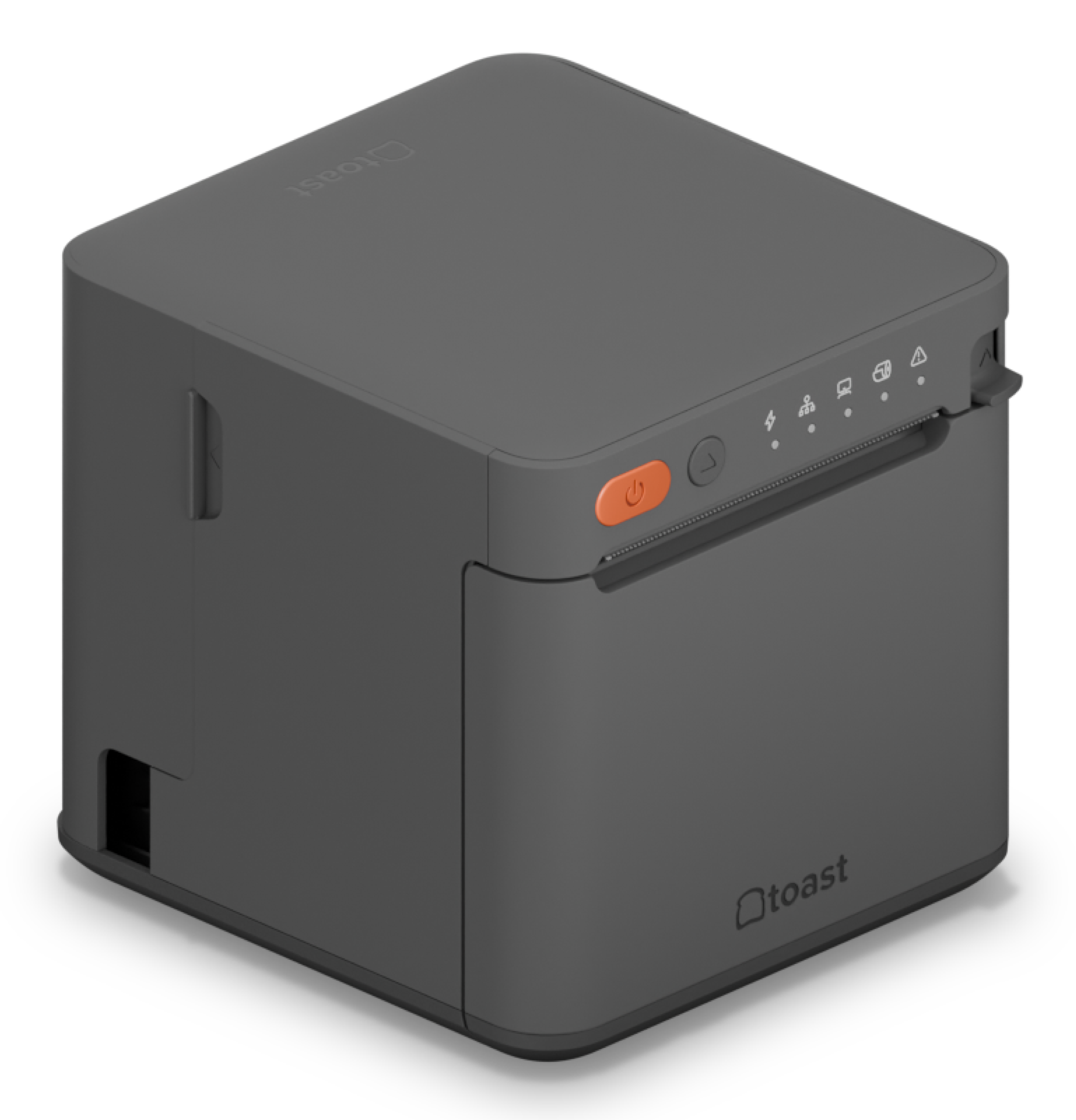
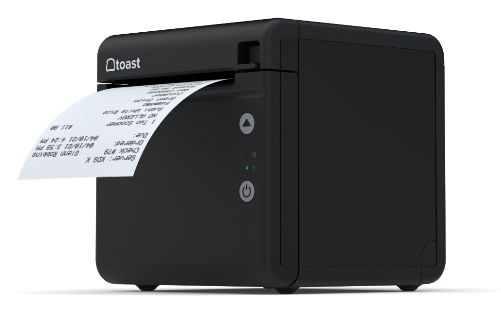
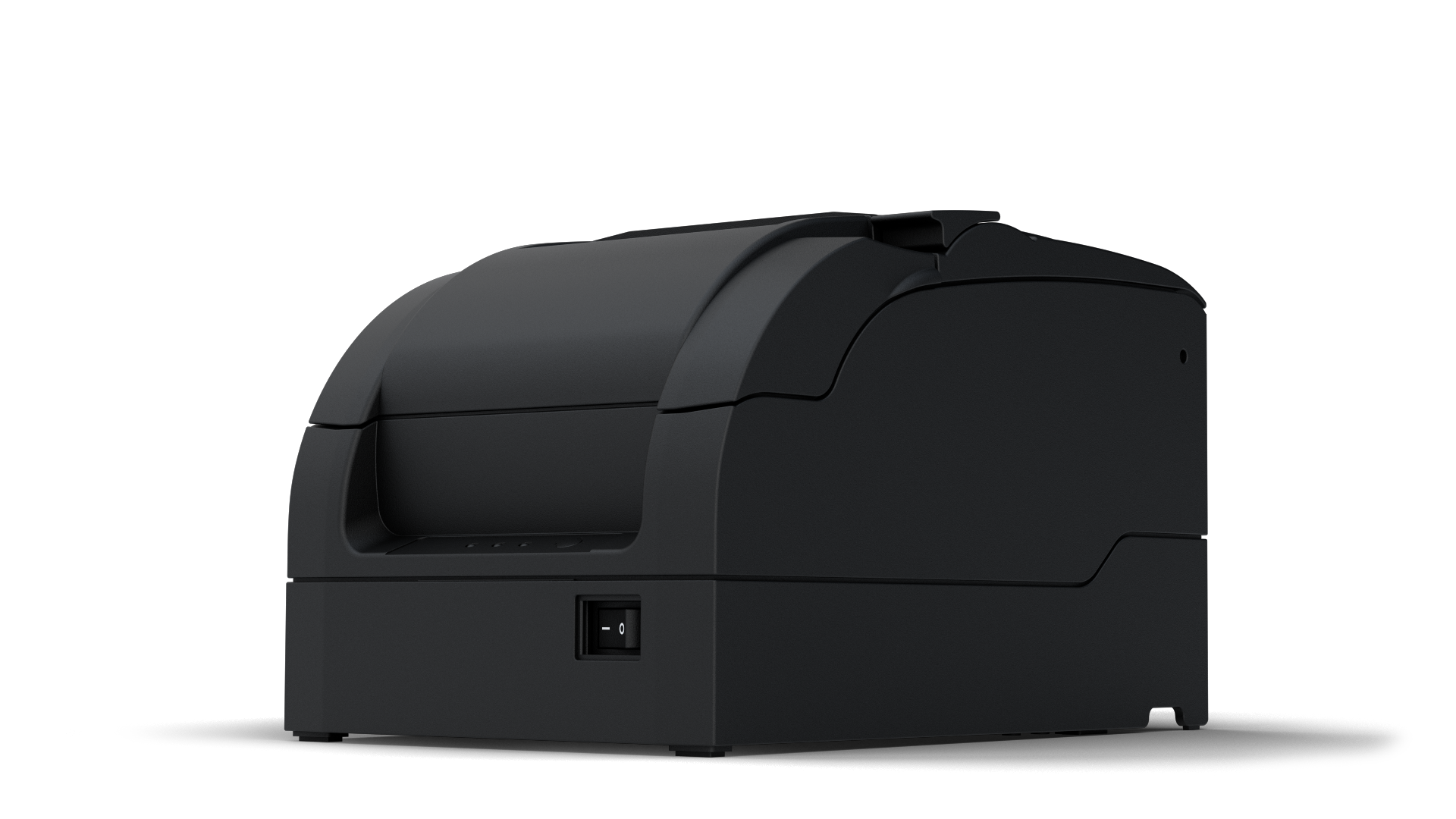
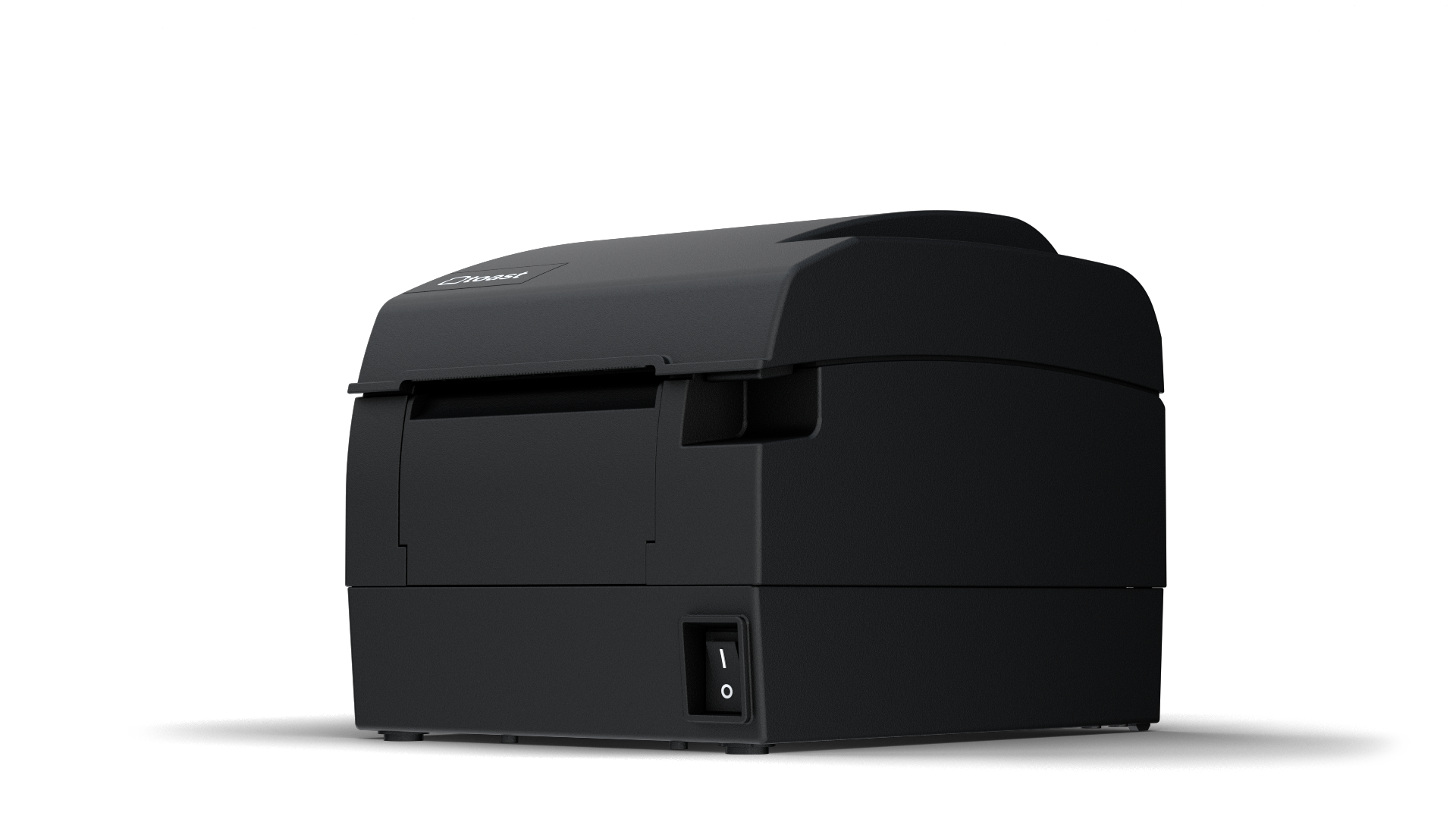
| Toast offers three different printers. A receipt printer, a kitchen printer, and a label printer. Each printer can be set up directly on your Toast POS using the Printer Setup feature. Don't have a Toast printer? See what other printers are compatible with Toast here. | |
| Toast Printing Hub | TP200 Toast Receipt Printer | Toast Kitchen Printer | ||
 |  |  | ||
| Install | Install | Install | ||
| Setup | Setup | Setup | ||
| Help | Help | Help | ||
| TLP400 Toast Label Printer | Wireless Printer Epson M30/M30II | |||
 | 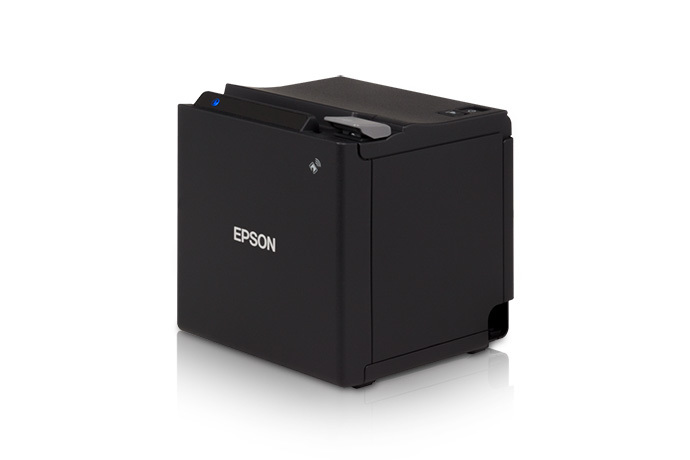 | |||
| Install |
| |||
| Setup |
| |||
| Help | Help |
 | Toast Card Readers Available in the US |
| |
| Toast offers three different card readers available in the US Our Toast Tap (On Counter), Toast Tap (Direct Attach), and MSR (Magnetic Strip Reader). Not sure which card reader you have? Visit Checking your Card Reader Type to confirm. | |
| Toast Tap (On Counter) | Toast Tap (Direct Attach) | Magnetic Strip Reader |
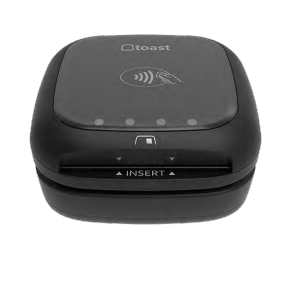 | 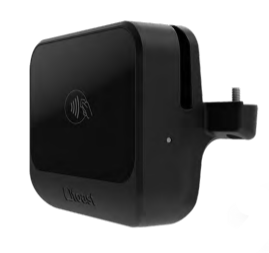 | 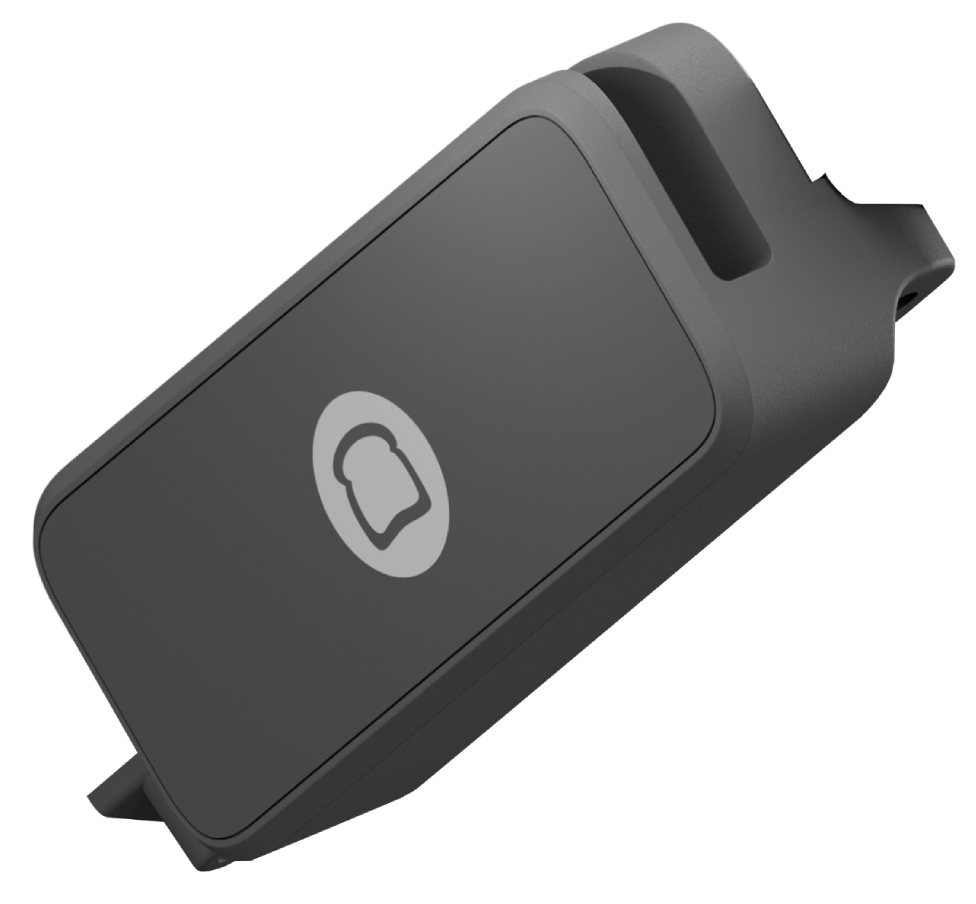 |
| Install | Install | Install |
| Help | Help | Help |
 | Toast Card Readers Available in Canada, Ireland, and UK |
| |
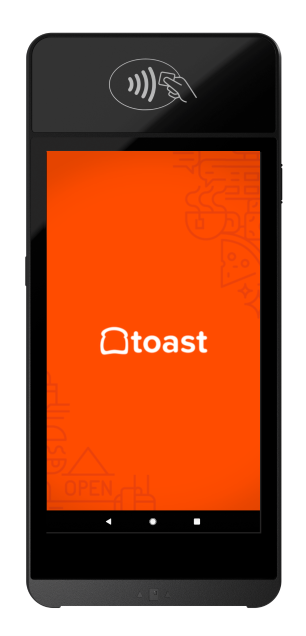
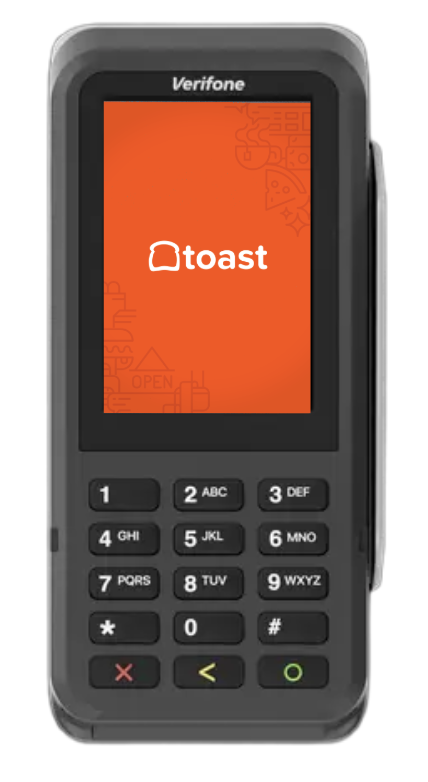
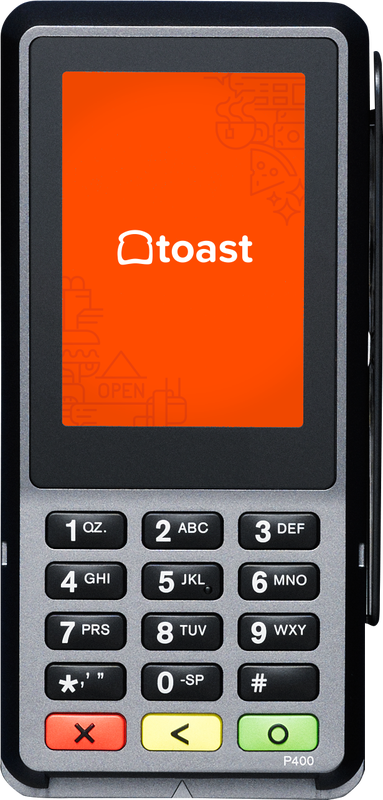
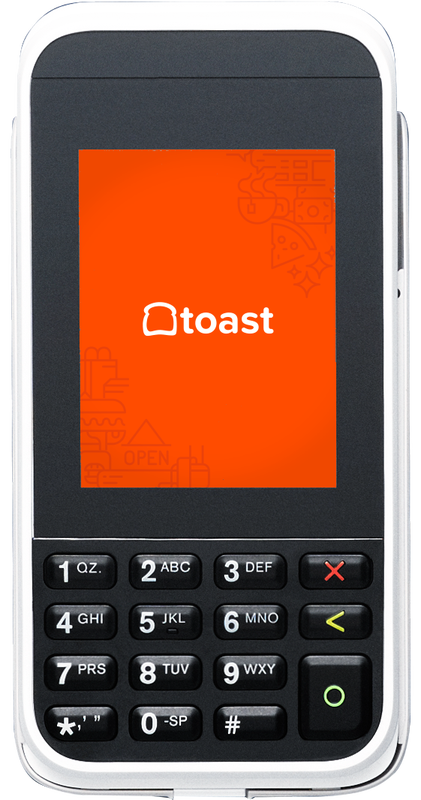
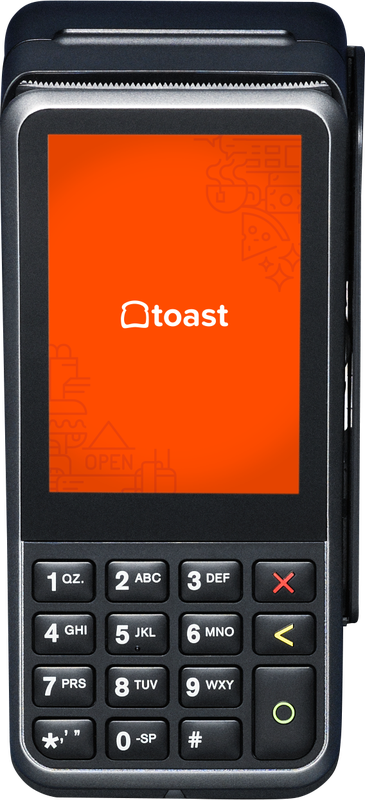
| Toast offers five different card readers to customers located in Canada, Ireland, and the UK. Our AMS1, V400M, P400, S1 Handheld, and E285. Not sure which card reader you have? Visit Checking your Card Reader Type to confirm. | |
| S1 Handheld | P630 | P400 |
 |  |  |
| Setup | Setup | Setup |
| Help | Help | Help |
| This device has been discontinued. | ||
| E285 | AMS1 | V400M |
 |  |  |
| Help | Setup | Setup |
| This device has been discontinued. | Help | Help |
| This device has been discontinued. | This device has been discontinued. |
 | Accesories |
| |
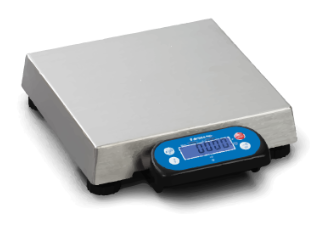
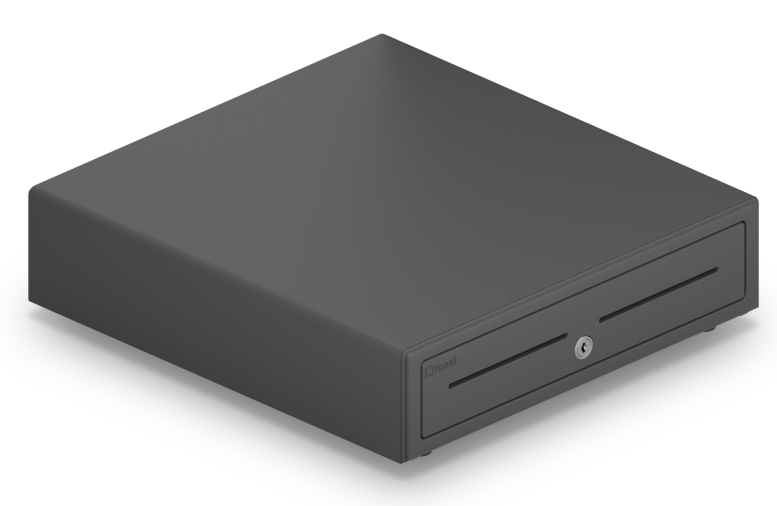
| Toast offers a variety of accessories such as scales, scanners, cash drawers, mounts, and more! | |
| Scales | Scanners | Cash Drawer |
 |  |  |
| Install | Install | Install |
| Help | Help | Help |
| Only available to customers located in the US |
 | Additional Resources |
| |
| Toast Shop | Onboarding Resource Center | Replacing Faulty Hardware (RMA) |
| On-Demand Training | How to Find the Serial Number on Your Toast Device | Toast Device and Network Security |